How to Install Superhero Minecraft Skins Step by Step
Customize Your Minecraft Character With Heroic Styles
Minecraft allows players to express their creativity in many ways, from building incredible worlds to designing unique character identities. One of the easiest ways to personalize your experience is by changing your Minecraft skin.
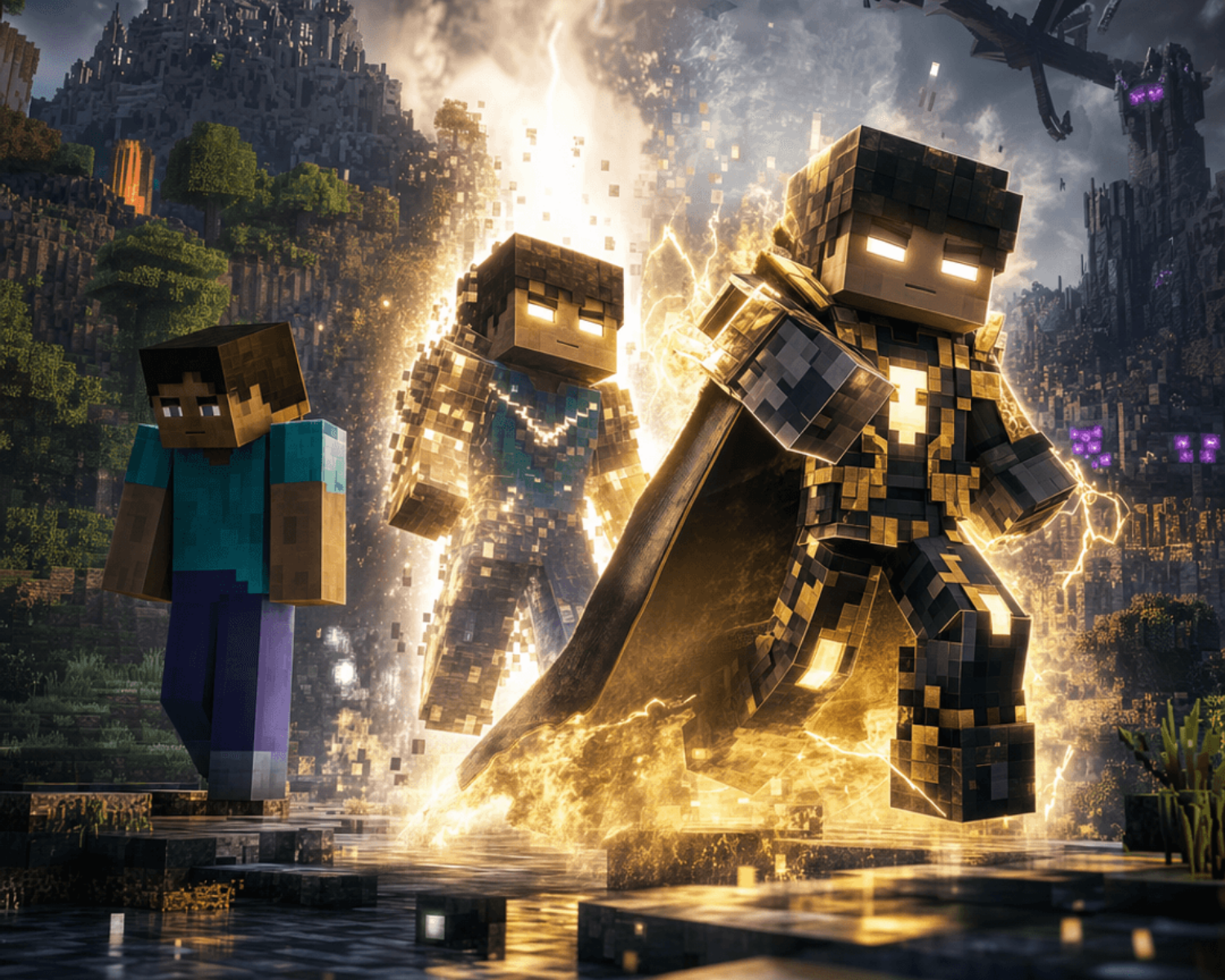
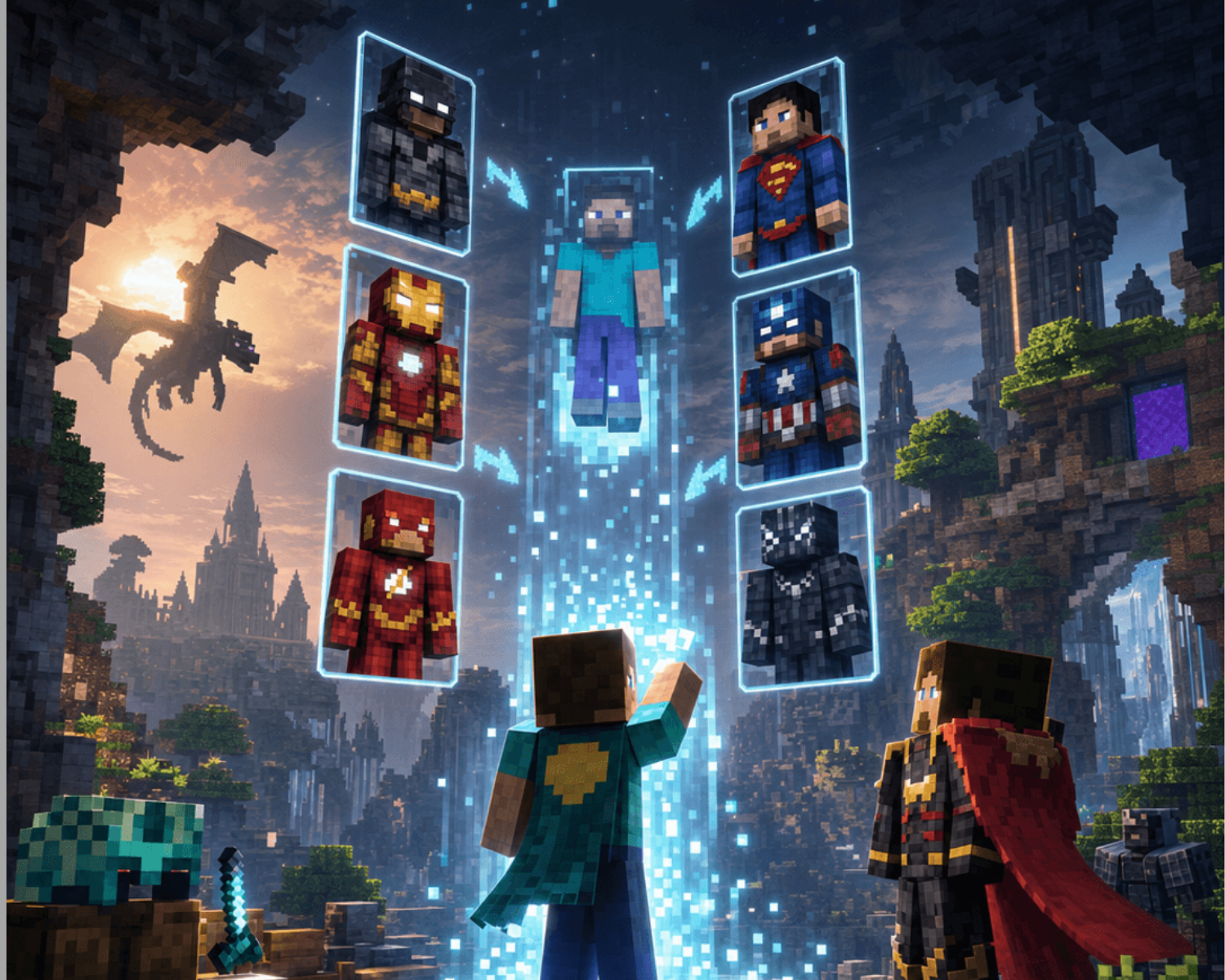
Superhero Minecraft skins let players transform their characters into powerful heroes, futuristic warriors, fantasy champions, and unique creations. Installing a new skin is simple, and with the right steps, you can update your character in minutes.
Step 1: Choose Your Superhero Minecraft Skin
First, find a skin that matches your style. Think about the type of character you want to create.
You can explore designs inspired by:
- Classic heroes
- Futuristic characters
- Fantasy warriors
- Science fiction styles
- Original superhero concepts
At Minecraft Skins, players can discover creative skin designs across superhero, fantasy, adventure, horror, science fiction, and many other categories.
Step 2: Download the Skin File
After selecting your preferred skin, download the skin file to your device.
Minecraft skins are usually provided as PNG image files. Save the file somewhere easy to find, such as your Downloads folder or desktop.
Before using the skin, confirm that Minecraft supports the file format.
Step 3: Install the Skin on Minecraft Java Edition
For Minecraft Java Edition:
- Open the official Minecraft website and log in to your account.
- Go to your profile or skin settings.
- Select the option to upload a new skin.
- Choose your downloaded PNG skin file.
- Save your changes.
Launch Minecraft, and your character should appear with the new superhero design.
Step 4: Install the Skin on Minecraft Bedrock Edition
For Minecraft Bedrock Edition:
- Open Minecraft on your device.
- Select the dressing room or character customization option.
- Choose the option to edit your character.
- Upload or select a custom skin.
- Apply the new design.
The process may vary slightly depending on your platform, including console, mobile, or Windows devices.
Step 5: Test Your New Character
Once your skin is installed, enter a Minecraft world and check your character from different angles.
Try your new superhero skin in:
- Survival adventures
- Multiplayer servers
- PvP battles
- Creative builds
A great skin can make your character feel more unique and connected to your gameplay style.
Create Your Own Minecraft Identity With Minecraft Skins
At Minecraft Skins, players can explore a wide range of creative designs and find characters that match their imagination.
Whether you want a superhero, fantasy warrior, explorer, or completely original character, the right skin helps make your Minecraft experience more personal.
Become the Hero of Your Minecraft World
Installing a superhero Minecraft skin is a simple way to refresh your gaming experience. With just a few steps, you can transform your character and bring a new personality into every adventure.
Choose your design, customize your character, and start creating your own Minecraft story.
#MinecraftSkins #Minecraft #MinecraftSkinsOnline #SuperheroMinecraft #MinecraftGaming #MinecraftCommunity #GamingSkins #MinecraftTips #MinecraftPlayers #GamingCreativity