

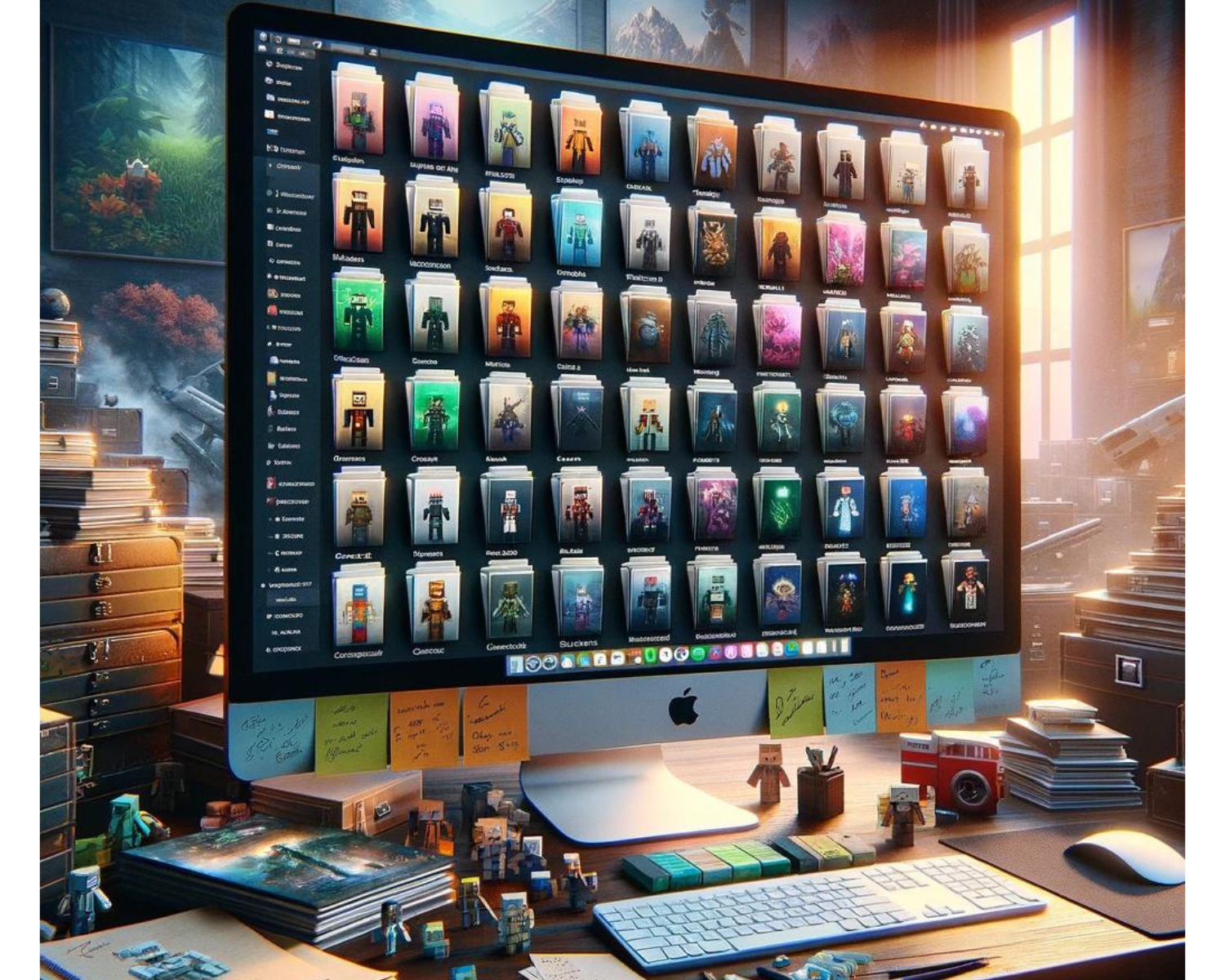
The Ultimate Guide to Organizing Your Minecraft Skin Collection: Top Management Tips
Introduction Minecraft players view skins as a collection of identities representing different adventures or moments. Over time, this collection can grow, making it challenging to manage efficiently. This guide provides top management tips for organizing your Minecraft skin collection for a better gaming experience. Centralize Your Collection Digital Folder: Create a dedicated folder on your computer or cloud storage specifically for your Minecraft skins. This central location makes it easier to browse your collection and ensures that you don't lose your skins amidst

Navigating the Pixel Parade: The Top 10 Timeless Minecraft Skins
Introduction Minecraft skins reflect the global community's diversity, allowing players to take on a new identity. Ten types of skins consistently capture hearts and screens, making every gaming session unique. The Classic Heroes and Heroines: From superheroes like Batman and Wonder Woman to legendary figures like Link from "The Legend of Zelda," these skins let players embody the characters they've admired for years, bringing a touch of classic heroism to the Minecraft universe. The Villains We Love to Hate: What's a hero without
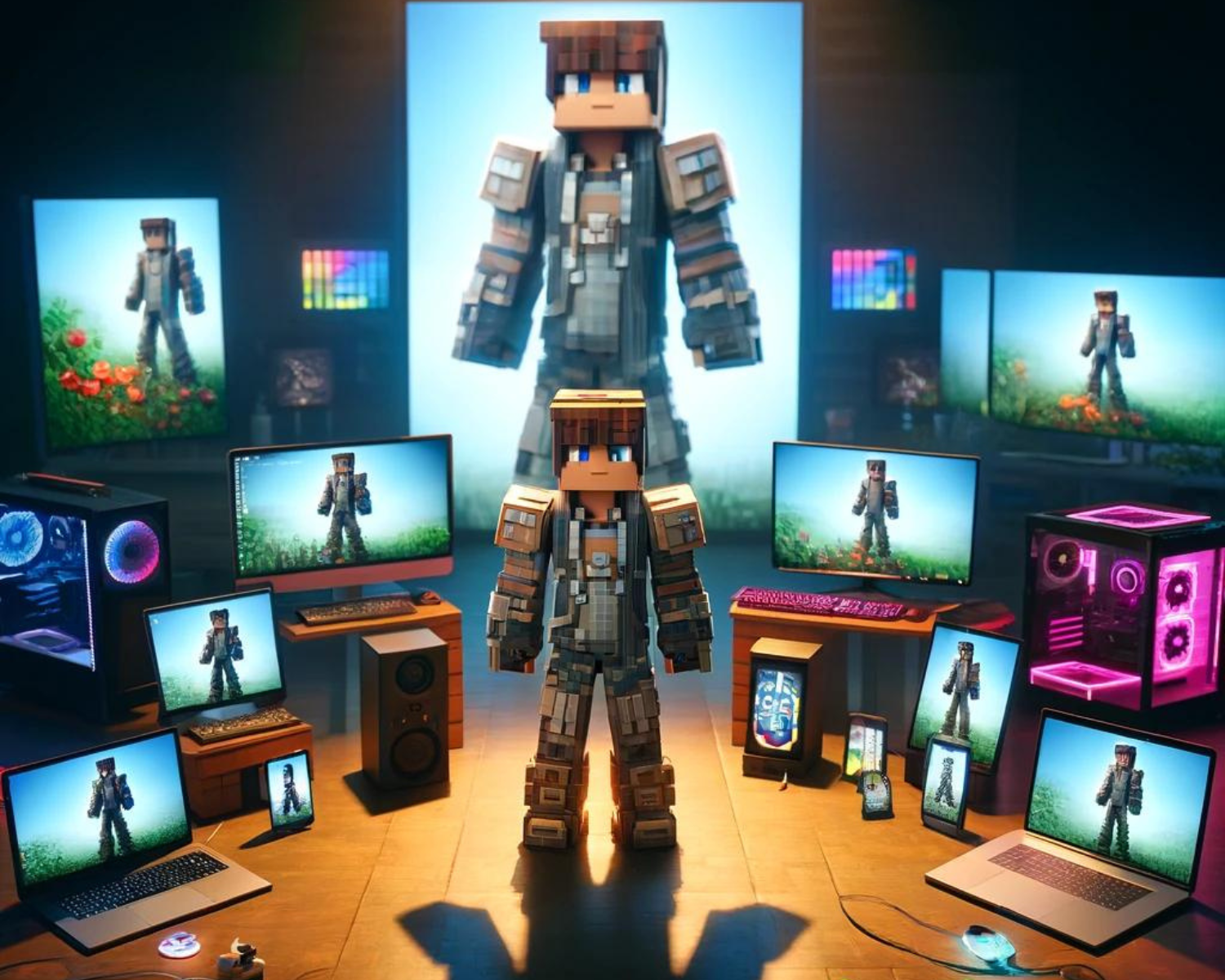
Pixel Perfect: Showcasing Your Minecraft Skin Across Platforms
Introduction Minecraft players are showcasing their digital avatars as icons on social media and in-game, reflecting their creativity, personality, and loyalty. This can connect players with like-minded players, spark inspiration, and even gain a following. In-Game Showcases Build a Hall of Skins: Create an in-game gallery dedicated to your skins. Design rooms or pedestals displaying armor stands equipped with your skins. This not only serves as a personal museum but can also be an interesting building to share on servers or with friends. Organize