
How to Design Your Own Basketball Court Using Minecraft Blocks
Turn Your Minecraft World Into a Basketball Arena
Minecraft is all about turning creative ideas into playable spaces, and designing your own basketball court is a great project for sports fans and builders. With simple blocks, thoughtful planning, and a few decorative details, you can create a court that feels ready for an exciting game.
Whether you are building a private court, a multiplayer arena, or part of a larger sports complex, Minecraft gives you plenty of freedom to customize the design.
Choose the Perfect Location
Start by selecting a flat area with enough space for the court, spectator areas, and surrounding decorations. A large open field is ideal because it gives you room to plan without removing too many existing structures.
Clear the area and mark the approximate boundaries before placing your main blocks.
Build the Court Surface
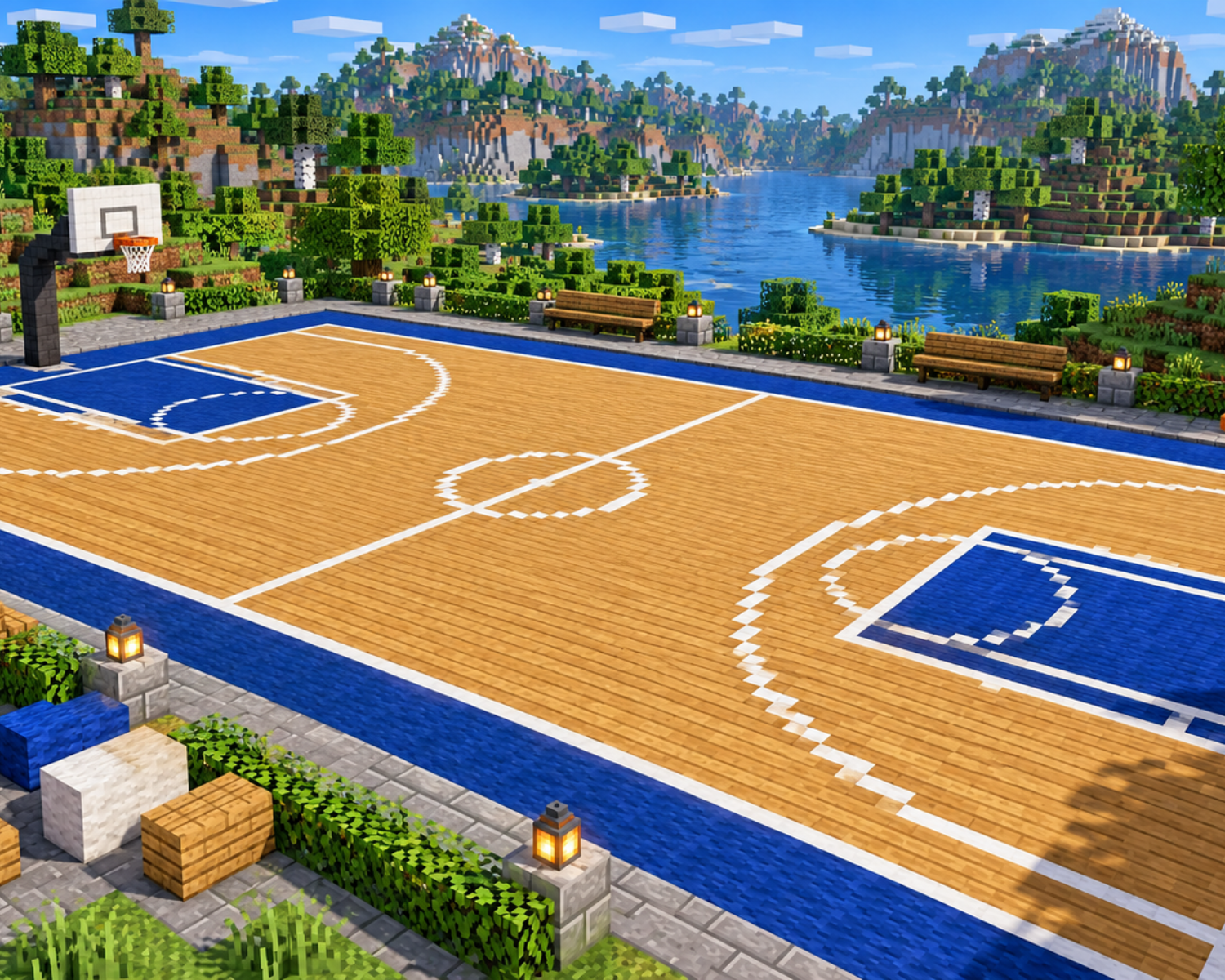
Choose blocks that create a suitable playing surface. Wooden planks can give the court a traditional indoor-gym appearance, while concrete blocks offer a cleaner modern look.
Create a rectangular playing area and use contrasting blocks to mark the boundaries. Add a center line and center circle to make the court easier to recognize.
Add the Key Court Markings
Details make the court feel authentic. Use contrasting blocks or carpets to create the three-point lines, free-throw areas, and other markings.
Experiment with different colors to create your own team or custom arena design instead of copying a real-world court exactly.
Build the Basketball Hoops
The hoops are the most recognizable part of your basketball court. Use blocks, fences, signs, or other suitable decorative elements to create the backboard and support structure.
Position one hoop at each end of the court and make sure both sides are aligned.
For an extra creative touch, build raised supports or add lighting around the hoops.
Add Stadium Details
Take your build beyond the court by creating a surrounding sports environment.
Consider adding:
- Spectator stands
- Benches
- Scoreboards
- Locker rooms
- Entrance gates
- Floodlights
- Team banners
These additions can transform a simple court into a complete basketball arena.
Make It Interactive
Invite friends to use the court for roleplay, building competitions, or custom sports challenges. You can even create multiple courts with different themes and designs.
Adding pathways between the court and other parts of your Minecraft world can make the arena feel like part of a larger community.
Customize Your Character With Minecraft Skins
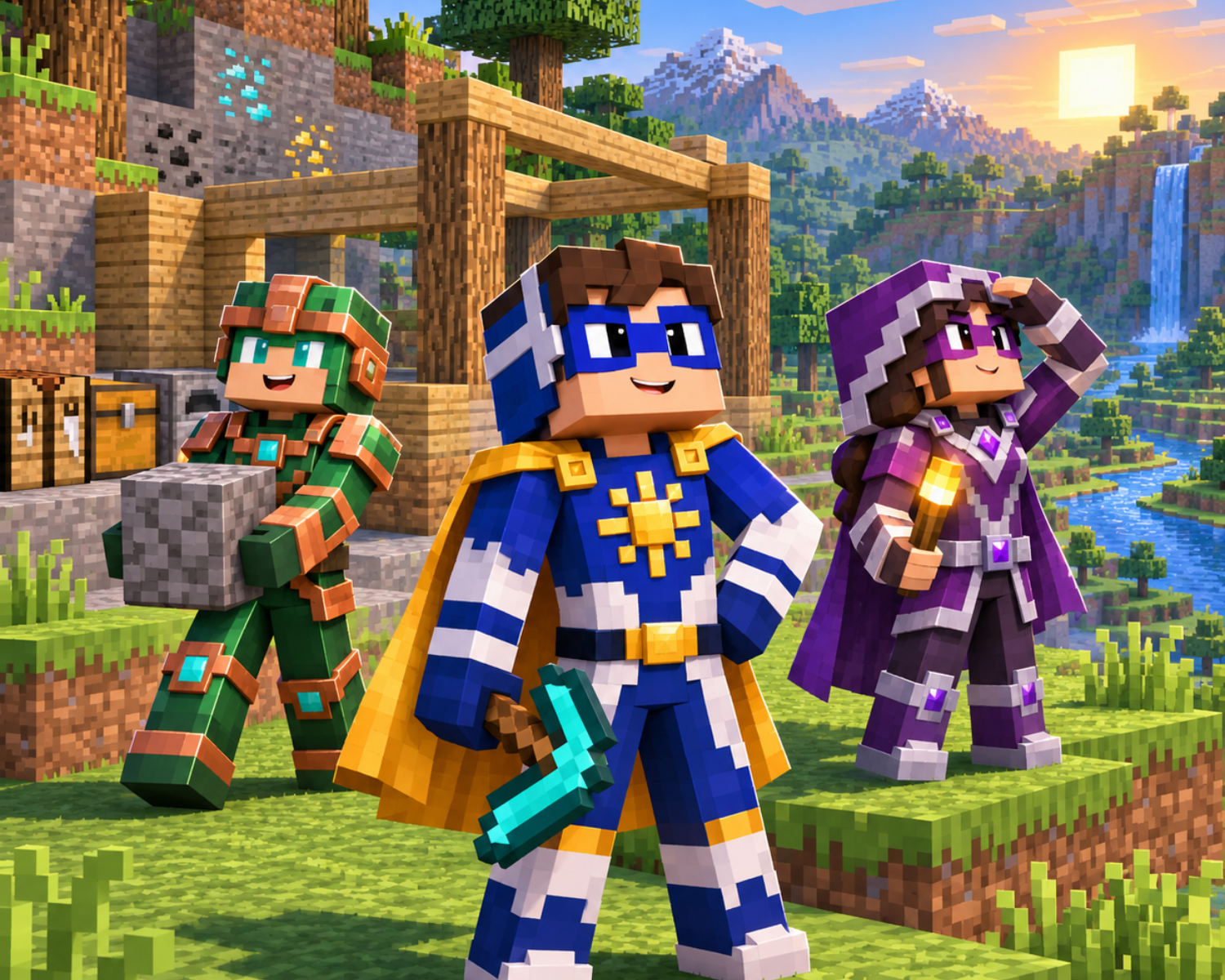
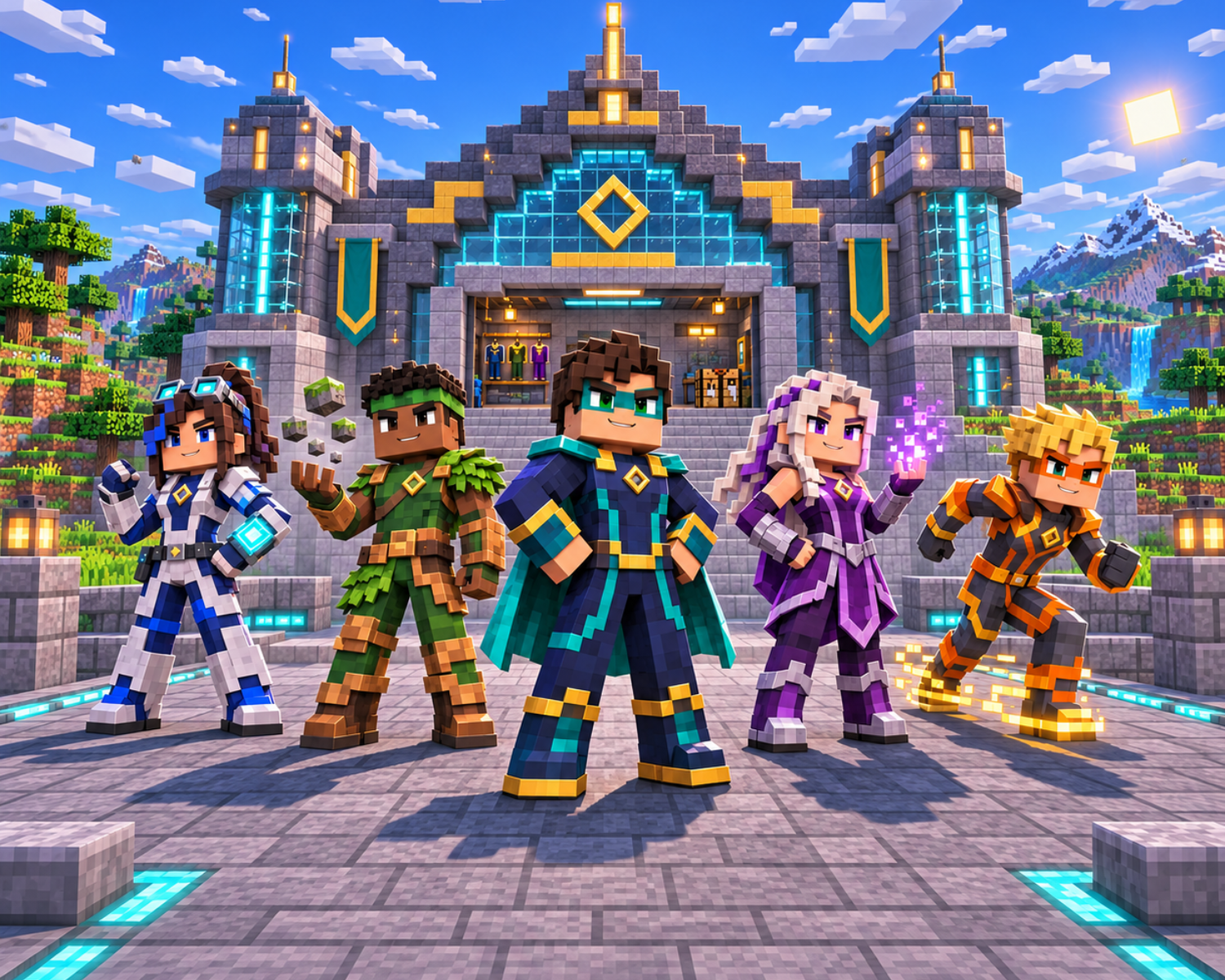
Your basketball build is only one part of the experience. At Minecraft Skins, players can explore creative character designs across sports, superhero, fantasy, adventure, science fiction, and other themes.
Choose a sports-inspired skin to match your basketball court and give your character a unique identity.
Create Your Own Minecraft Sports World
Designing a basketball court combines planning, creativity, and attention to detail. Start with the playing surface, add recognizable markings, build the hoops, and finish with spectator and stadium features.
With imagination and the right character style from Minecraft Skins, you can turn an empty Minecraft space into a memorable sports destination.
#MinecraftSkins #Minecraft #MinecraftBuilding #MinecraftBasketball #MinecraftSports #MinecraftBuilds #MinecraftGaming #MinecraftCommunity #MinecraftPlayers #GamingCreativity