How to Create a Minecraft Skin That Looks Like You
Introduction
Minecraft offers endless creativity and personalization, crafting your skin and enhancing the in-game experience by mirroring your real-life appearance.
Why Create a Personalized Minecraft Skin?
- Unique Identity A personalized skin sets you apart on multiplayer servers, making it easier for friends to recognize you and showcase your unique identity.
- Enhanced Immersion Playing with a character that looks like you can make the game feel more engaging and immersive.
- Creative Expression Designing your skin is a fun and creative project that allows you to express yourself in a new way.
Steps to Create a Minecraft Skin That Looks Like You
Step 1: Gather Inspiration and References
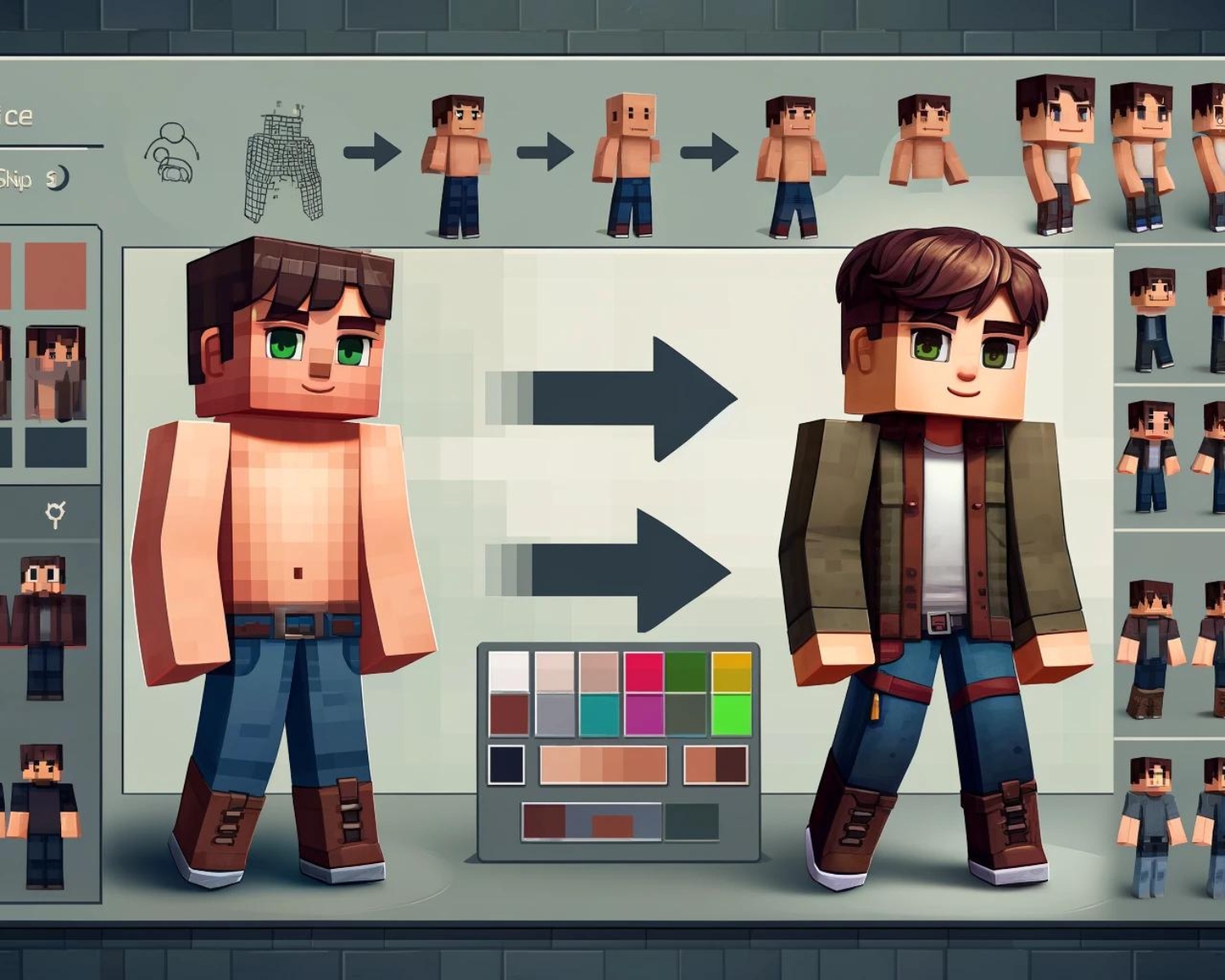
Before you start designing, gather some inspiration. Look at photos of yourself and take note of your key features: hair color and style, eye color, skin tone, and any distinctive clothing you often wear. This will help you create a more accurate representation.
Step 2: Choose a Skin Editor
Select a skin editor to design your skin. Some popular options include:
- Minecraft Skindex offers a user-friendly editor and a vast library of skins for inspiration.
- NovaSkin provides advanced editing tools and the ability to preview your skin in 3D.
MCSkin3D is a downloadable program with comprehensive editing features for detailed customization.
#Minecraft #MinecraftSkins #SkinDesign #GamingCommunity #CreativeDesign #Personalization #MinecraftArt #DigitalArt #GamingExperience #DIYSkins