


The Future of Football in Minecraft: What’s Coming in the Next Update in 2025
IntroductionMinecraft continues to evolve, with each update bringing new features that enhance gameplay and creativity. While the game has always been a sandbox for building, exploring, and crafting, sports like football have become increasingly popular within the community. Football in Minecraft, whether through mods or custom servers, has gained traction in recent years. As we look ahead to the next update in 2025, here's a glimpse into what could be coming to elevate the football experience in Minecraft. Official Football MechanicsCurrently,

Minecraft Football Skins: How to Create and Customize Player Skins
OverviewCustomizing your character in Minecraft is one of the most enjoyable aspects of the game. Whether you’re joining a football server or simply want to stand out during matches, creating and customizing your football player skins can add a unique personal touch to your gameplay. With a few simple steps, you can make a football skin that reflects your style and gives you an edge on the field. Here’s how to create and customize football skins in Minecraft. Understand the Basics

Minecraft Football Mods vs. Vanilla Gameplay: Which Is Better?
IntroductionFootball in Minecraft can be a thrilling experience, but players often find themselves wondering whether to stick with vanilla gameplay or explore mods to enhance their football matches. Both options have their advantages and drawbacks, but the decision ultimately depends on what kind of experience you’re looking for. Let’s break down the pros and cons of Minecraft Football Mods versus Vanilla Gameplay to help you decide which is better for your football experience. Vanilla Gameplay: Simple, Accessible, and CustomizableVanilla Minecraft, without

Minecraft Football Leagues: How to Organize Your Own Season
IntroductionMinecraft’s sandbox nature allows for endless creativity, and one of the most exciting ways to engage with friends is by organizing your own football league. Whether you're looking to host a casual, fun competition or create a more serious league with weekly matches, setting up your own Minecraft Football League (MFL) can be a rewarding experience. Here’s how to organize your own season and ensure it runs smoothly from start to finish. Set Clear Rules and StructureThe first step in organizing

Minecraft Football Equipment: Gear You Can Craft and Use in Your Matches
IntroductionMinecraft may not have official football mechanics, but with the right creativity, you can craft your own football experience. Whether you’re playing on a custom football server or just want to simulate football matches with friends, having the right gear can enhance your experience and make your matches more immersive. While Minecraft doesn’t have pre-designed football equipment, players can craft and use items to simulate the gear needed for a football match. Here’s a guide to the football equipment you
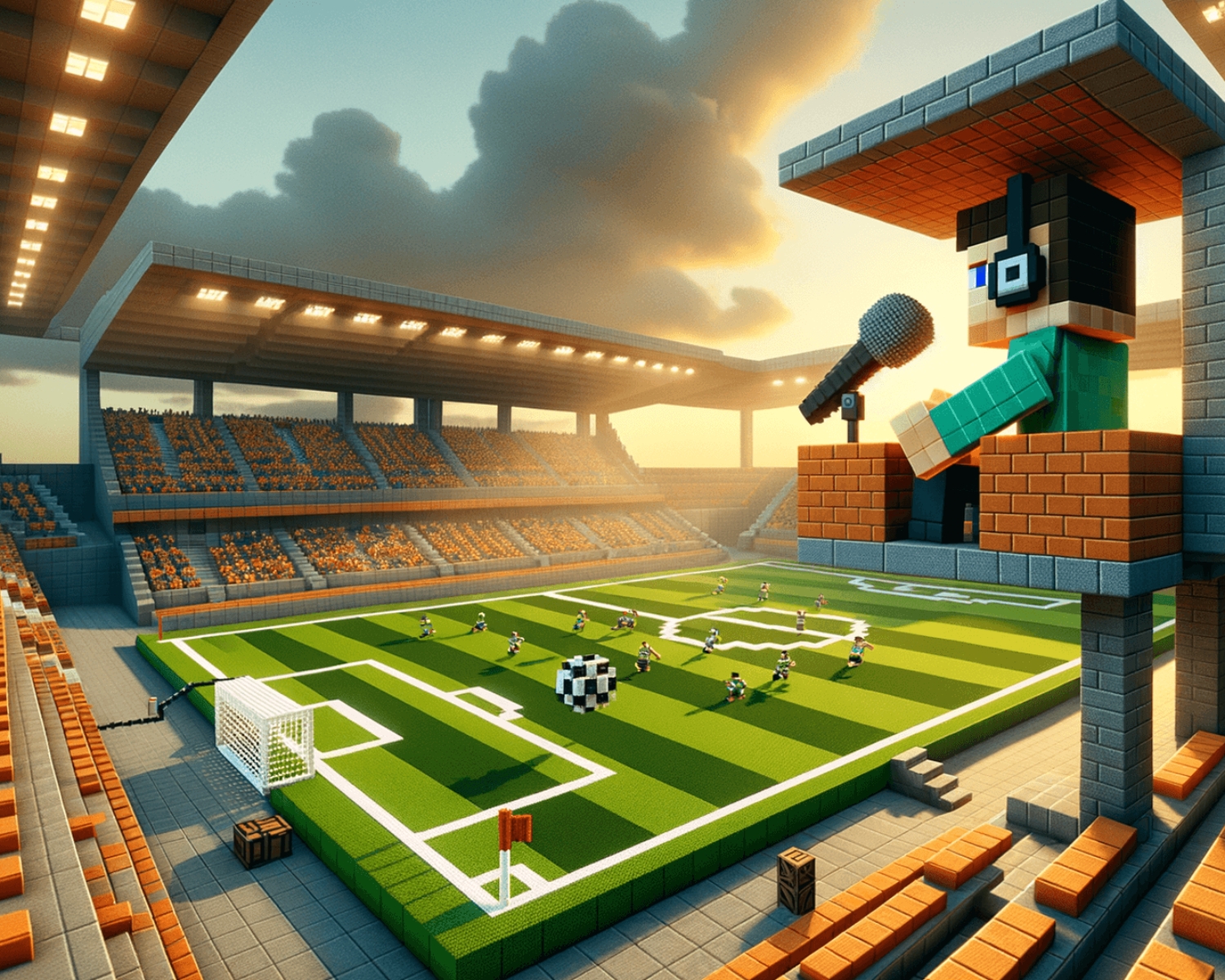
Minecraft Football Commentary: Adding Commentary to Your Matches
IntroductionMinecraft’s versatility and creativity have made it a platform for countless gaming experiences, including custom football matches. Whether you're hosting a casual game with friends or running a full-fledged Minecraft Football League (MFL), adding commentary to your football games can take the experience to the next level. Commentary brings excitement, depth, and a professional touch to the game, creating an immersive environment for players and viewers alike. Here’s how you can add commentary to your Minecraft football matches and enhance
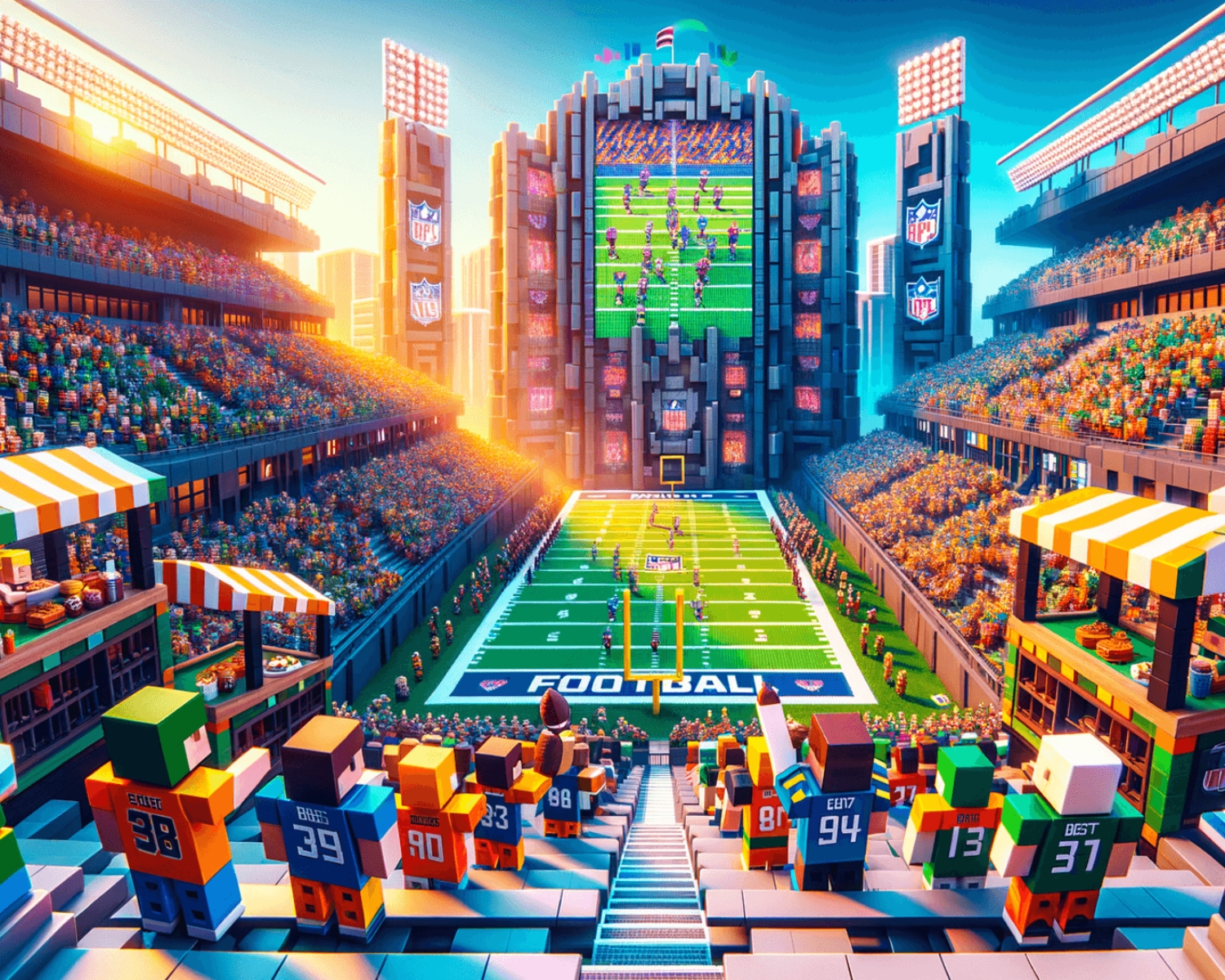
How to Create a Football Fan Zone in Minecraft
IntroductionCreating a Football Fan Zone in Minecraft is a fun way to enhance the atmosphere of your virtual football events and connect with fellow players. Whether you're hosting a Minecraft Football League (MFL) match or a casual get-together, a fan zone brings an interactive and exciting experience for spectators. Here’s a step-by-step guide on how to design a vibrant and immersive football fan zone in Minecraft. Pick the Perfect LocationStart by selecting a spacious, flat area for your fan zone. It
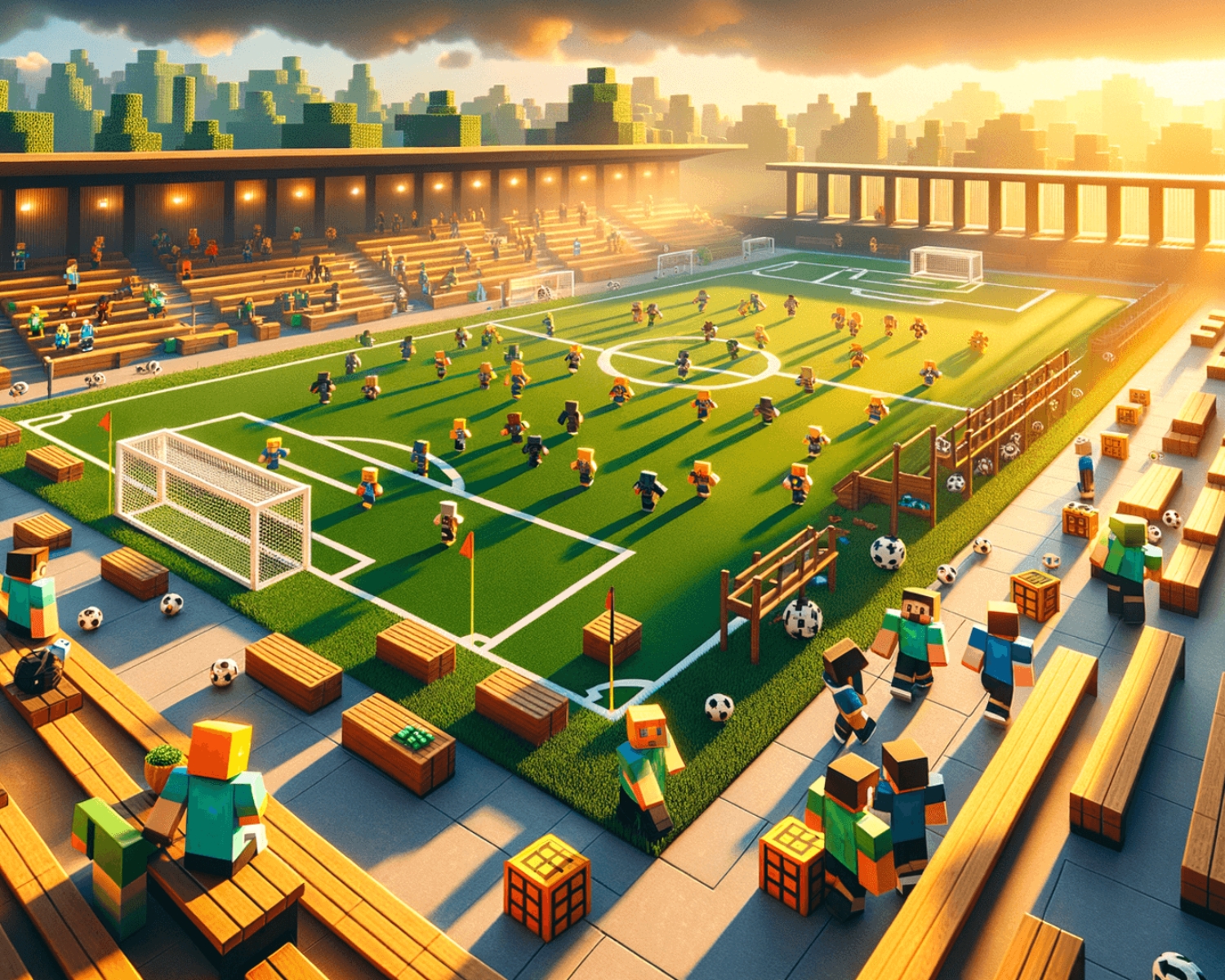
How to Build a Football Training Ground in Minecraft
IntroductionBuilding a football training ground in Minecraft is a fantastic way to take your virtual football experience to the next level. Whether you're hosting a Minecraft Football League (MFL) or just want a place for your friends to practice their skills, a dedicated training ground can offer a professional feel to your matches and training sessions. Here’s how you can build your very own football training ground in Minecraft. Choose the Right LocationThe first step in building your training ground is

10 Tips for Winning Football Matches in Minecraft
IntroductionFootball (or soccer) in Minecraft is an exciting and competitive game mode that combines strategy, teamwork, and skill. Whether you're playing on a custom football server or using mods to simulate real-life football, mastering the game mechanics and adopting the right strategies can help you win. Here are 10 tips to help you dominate the field and lead your team to victory in Minecraft football matches. Master the ControlsBefore jumping into a match, make sure you're familiar with the controls. In
Top Football Players in Minecraft: Who Are the Best Virtual Footballers?
IntroductionMinecraft may be known for its building, crafting, and exploration, but in recent years, football has gained popularity as a fun and competitive activity within the community. Many Minecraft players have mastered the art of virtual football, creating their own leagues, tournaments, and teams in custom-built stadiums. Just like in the real world, Minecraft has its own stars—players who have risen to prominence due to their skills, dedication, and contributions to the sport within the game. Here’s a look at