Creating Minecraft Skins for Kids: Fun Basketball Designs
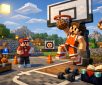
Minecraft offers endless opportunities for creativity, and one of the best ways to personalize the game is by creating custom skins. For basketball fans, designing a fun basketball-themed Minecraft skin is an exciting way to represent their favorite sport, team, or mascot in the game. Here’s a simple guide to help you create your own basketball-inspired Minecraft skin using MinecraftSkins.online.
1. Start with Inspiration
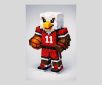
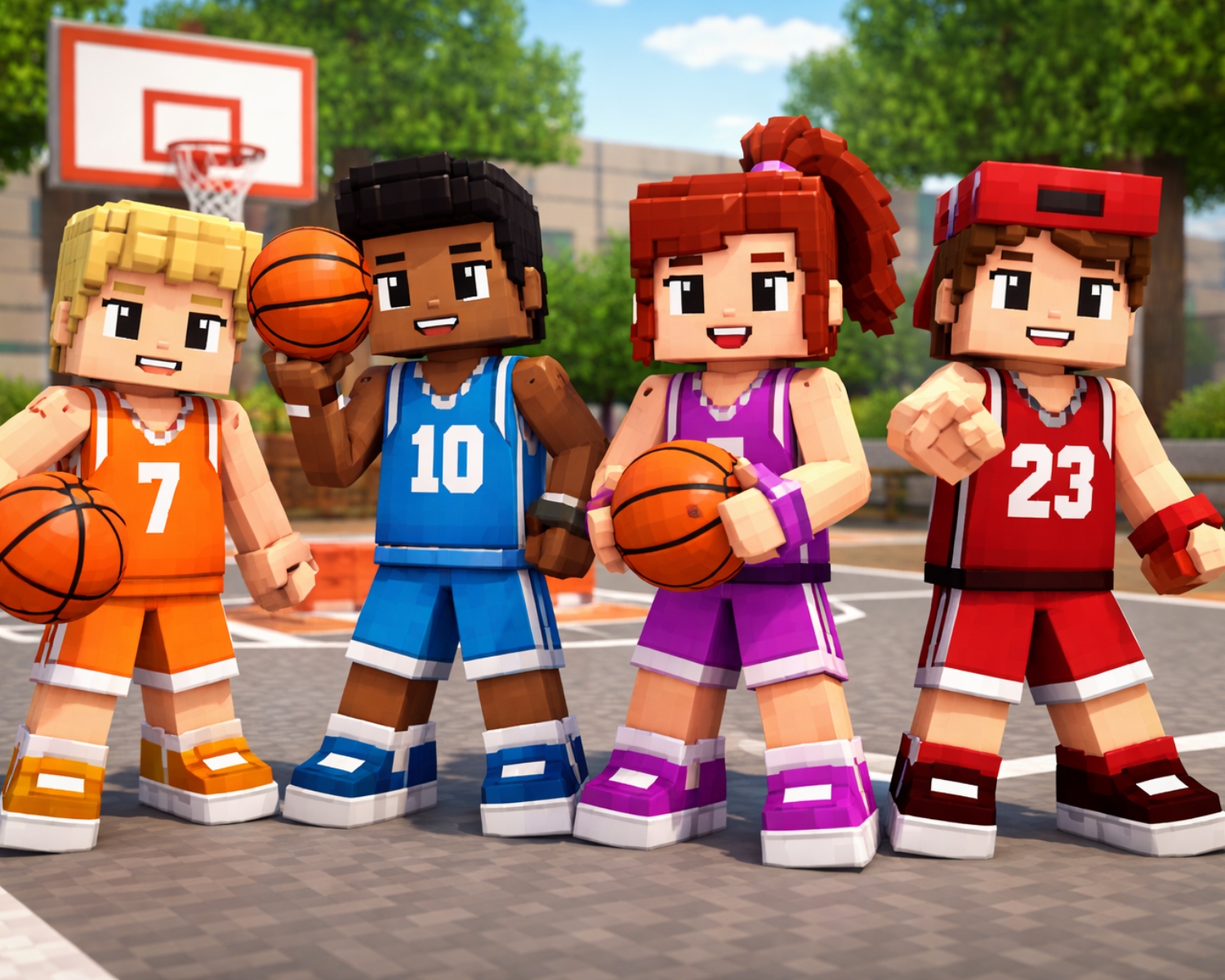
Before you begin designing, gather inspiration for your basketball skin. Do you want your skin to represent a favorite basketball player, your school team, or a unique basketball mascot? Look at jerseys, basketball accessories, and colors to make your skin as detailed as possible. Think about the design elements you’d like to incorporate, such as jerseys, basketballs, sneakers, and team logos.
2. Visit MinecraftSkins.online
To start designing your custom basketball skin, head to MinecraftSkins.online. This user-friendly website allows you to easily create your skin using an online editor. Whether you’re a beginner or a seasoned designer, the platform provides the tools you need to bring your ideas to life.
3. Using the Skin Editor
Once you’re on MinecraftSkins.online, you’ll find an intuitive editor that lets you design your skin pixel by pixel. Here’s how to get started:
- Choose Your Base Skin: You can start with a blank canvas or choose a pre-made template. For a basketball-themed design, consider selecting a basic athlete template or a simple character to begin with.
- Design the Outfit: Use the editor’s tools to design the basketball jersey. You can replicate a real-life team’s jersey or create your own custom design using your favorite colors and logos.
- Add Basketball Details: Don’t forget to add fun accessories! You can design sneakers, basketballs, and even headbands to complete the look. Make sure to pay attention to small details that make the skin stand out.
- Adjust Facial Features: Depending on your style, add facial features like a fun expression or even a basketball cap to enhance the look.
4. Preview and Finalize Your Skin
As you design your skin, you’ll be able to preview it in 3D to see how it looks in the game. If everything looks great, save the skin and download it to your device. You can always go back and make tweaks if needed!
5. Upload and Use Your Skin in Minecraft
Once your basketball skin is ready, head to Minecraft and upload it to your profile. Simply go to the “Skins” section of the game settings, select the file, and apply it. Now, your character is ready to play the game in style, showing off your custom basketball design!
Creating a Minecraft skin for kids with a basketball theme is a fun and creative activity that adds a personal touch to their gameplay. With the easy-to-use tools on MinecraftSkins.online, kids can design their dream basketball skin, making their Minecraft experience even more exciting. Get started today, and showcase your love for basketball in the world of Minecraft!
#MinecraftSkins #BasketballSkin #MinecraftCustomization #FunDesigns #GamingFun #MinecraftForKids #BasketballMinecraftSkin #MinecraftSkinsOnline