
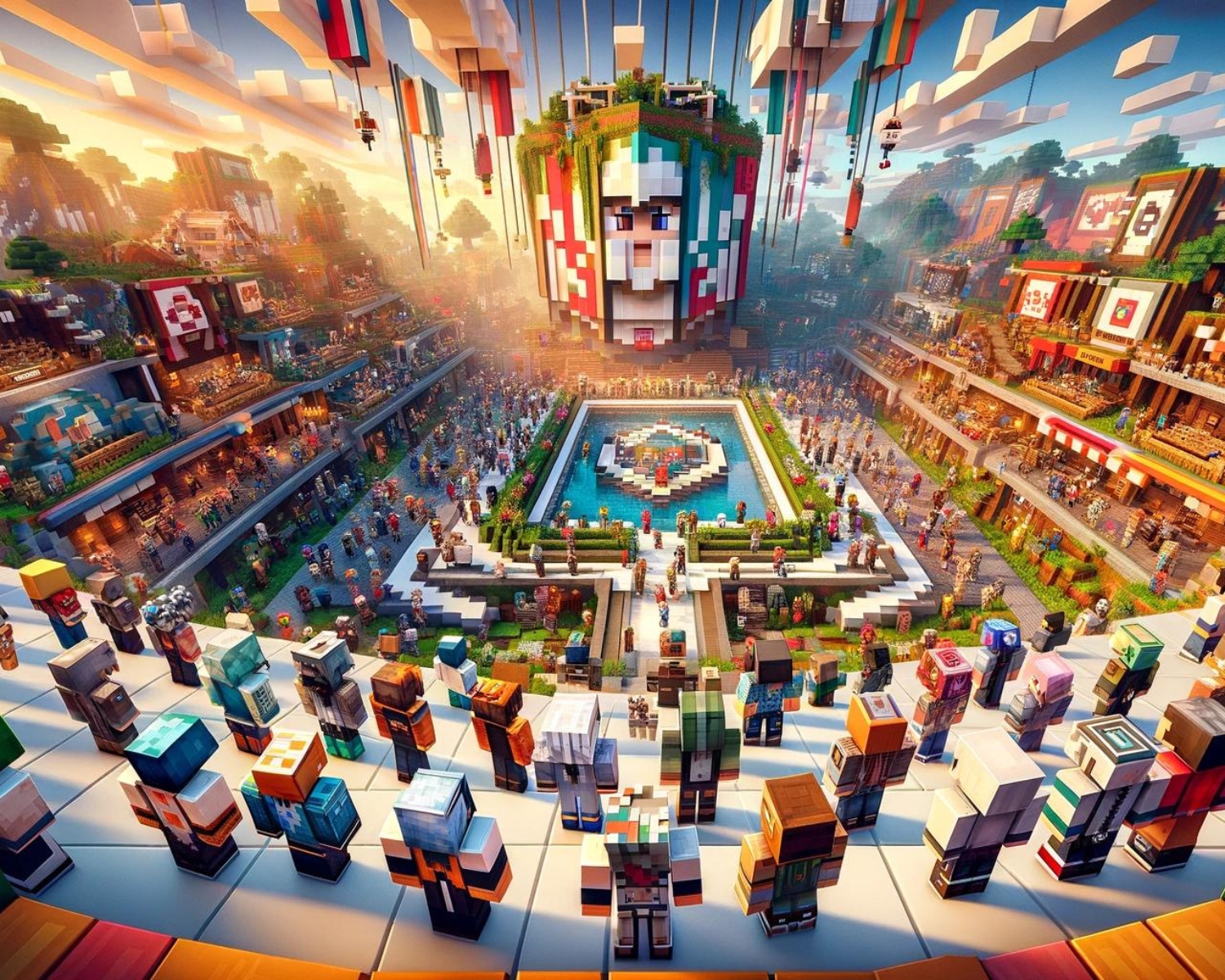
How to Create a Unified Look for Your Minecraft Server Players
Introduction
In Minecraft, fostering community among players is crucial for building epic structures and defeating Ender Dragons. A consistent, recognizable appearance for server players can boost teamwork and give the server a unique identity, enhancing teamwork in roleplaying competitive PvP, or cooperative builds. Here’s how to achieve this:
1. Choose a Theme
Start by selecting a theme that reflects the purpose or lore of your server. Consider the overall atmosphere you want to establish and align it with the gameplay style. For example:
- Medieval Fantasy: Perfect for roleplaying, where knights, wizards, and villagers might be common.
- Sci-Fi: Futuristic skins resembling astronauts, androids, or space explorers.
- Survival Colony: Rugged adventurers in wilderness-themed attire.
A clear theme provides a visual foundation for the server and makes it easier to align player skins.
2. Provide Base Skins
Offer base skins that players can modify to suit their tastes while still maintaining a cohesive aesthetic. Share downloadable templates that match your server’s theme and encourage players to tweak colors or add personal touches. By doing so, everyone can maintain individuality while following the same overall guidelines.
3. Establish Factions or Classes
If your server contains different factions, teams, or classes, consider assigning specific looks to each. This could be through color-coding or using distinct features that signify different roles:
- Color-Coding: Designate a specific color palette for each team or group. For instance, the “Guardians” could wear blue armor, while the “Raiders” might sport red.
- Class Features: Use defining features like headgear, insignia, or equipment to differentiate classes like warriors, healers, or scouts.
4. Host Skin Contests and Events
Engage your server community by hosting skin design contests. Challenge players to create unique skins that fit the server’s theme. Offer rewards like in-game currency, exclusive items, or special titles to the winners. This not only encourages participation but also helps solidify the server’s unified look.
5. Create a Uniform Wardrobe
In-game items and armor are also essential to a unified look. Establish uniform wardrobe sets that align with the server’s theme, whether it’s specific armor types or vanity gear. Allow players to equip these items as part of their role or class. Some servers offer cosmetic perks that players can purchase to accessorize their looks.
6. Foster Inclusivity
While promoting unity, remember to encourage personal expression and creativity. Not everyone may want to follow the guidelines exactly. Create space for variation by offering different styles or letting players personalize aspects of their skins. Inclusivity strengthens the sense of belonging and can lead to more passionate community involvement.
Conclusion
To create a cohesive Minecraft server appearance, start with a clear theme, provide guidelines, and encourage inclusivity. This not only enhances visual appeal but also boosts teamwork, enhances the immersive experience, and makes the server stand out, making it memorable for all players.
#MinecraftServer #MinecraftCommunity #MinecraftSkins #UnifiedLook #GamingStrategy #MinecraftTips #MultiplayerGaming #PvP #MinecraftRoleplay #TeamworkGaming