Step-by-Step Guide: Creating a Minecraft Skin That Looks Like a Basketball Jersey
Introduction
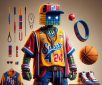
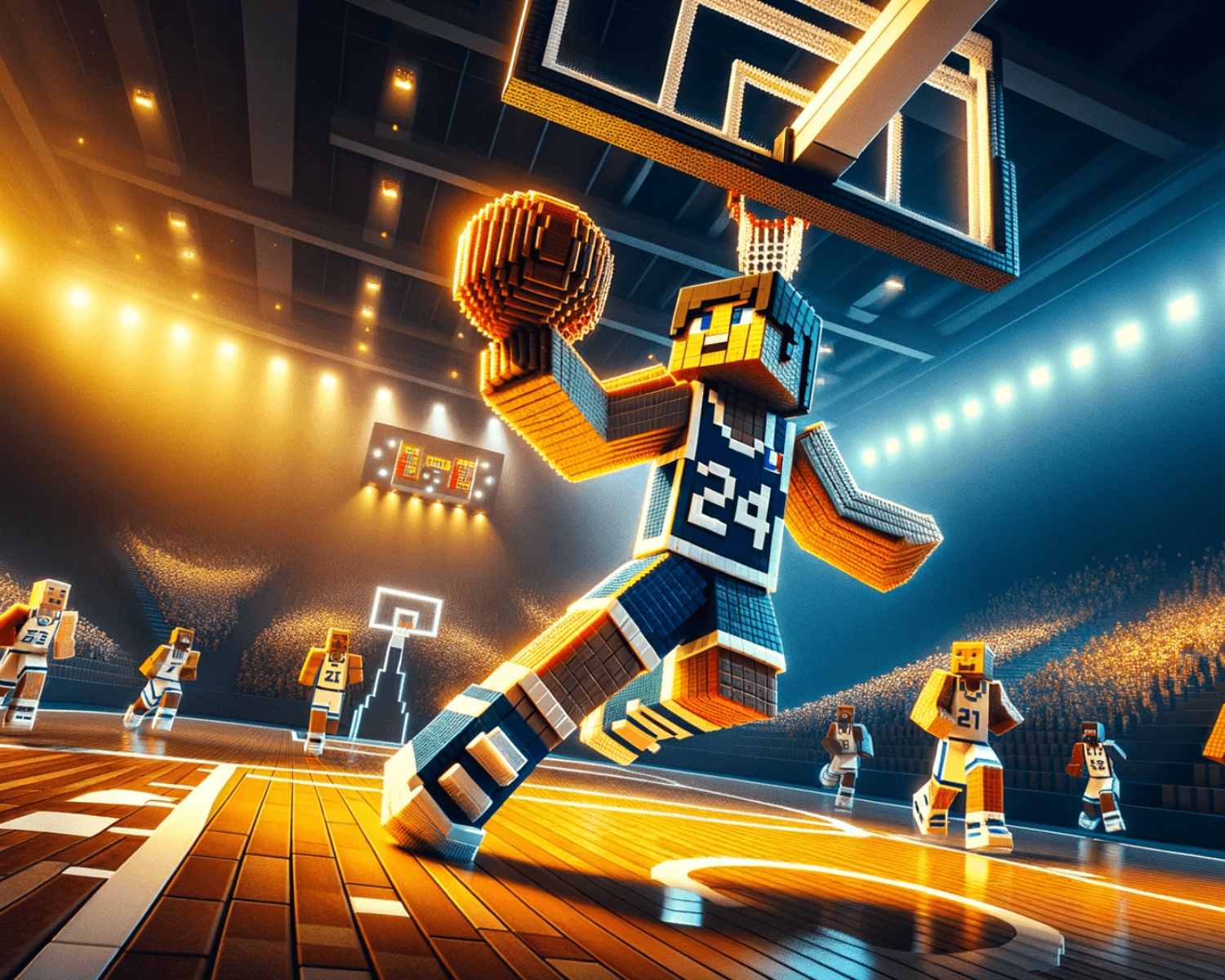
Minecraft is a game known for its creativity and customization options, and one of the most fun ways to personalize your character is by designing your own Minecraft skin. If you’re a basketball fan, why not design a skin that resembles a basketball jersey? In this step-by-step guide, we’ll walk you through creating a Minecraft skin that looks like a basketball jersey, making your avatar ready for the virtual court!
1. Prepare Your Tools
Before you begin, you’ll need the right tools:
- Minecraft Skin Editor: Online editors like Skindex or Novaskin make it easy to design Minecraft skins. You can use these platforms directly in your browser to start planning.
- Image Editing Software (optional): For more detailed designs, you might want to use software such as GIMP or Photoshop to create textures.
2. Start with the Basic Skin Template
Start with a default Minecraft skin template. These editors provide a 64×64 grid, with each square representing a part of your character’s body. The front, back, and sides of the skin correspond to the various body parts, so you’ll have complete control over your design. Use the skin editor to load a basic template, or start from scratch if you prefer a fully custom look.
3. Design the Basketball Jersey
Choose a Team or Design Your Own
- Team Logo: If you want a specific basketball jersey, search for your favorite team’s logo and colors. Use these colors to start designing the shirt’s base. You can create vertical or horizontal stripes to give it that authentic jersey look.
- Custom Design: If you’re not designing for a team, go for a unique design with patterns or shapes. Pick the colors you like and start adding a “number” and “name” on the jersey.
Add Details
- Add the Number: Most jerseys have a number on the front and back. You can design an incredible, stylized number on the front and back of your skin. Don’t forget to adjust the placement so it fits perfectly within the Minecraft skin template.
- Add the Sleeves: Customize the jersey’s sleeves to match your style—whether they are short or long, in a specific color or with a stripe.
4. Add Accessories
To complete the look, add shorts that match the jersey. You can also add basketball sneakers or socks for extra detail. Make sure these accessories blend well with your overall skin design.
5. Preview and Save
Once you’ve finished your design, use the preview feature in the editor to see how your skin looks in 3D. If everything looks good, save your design as a .png file. Then, upload it to Minecraft through the game’s skin settings.
Conclusion
Creating a Minecraft skin that looks like a basketball jersey is a fun way to express your love for the sport while adding a personal touch to your Minecraft avatar. Whether you go for a team-based design or a completely custom look, the possibilities are endless. With a bit of creativity and the right tools, you’ll be ready to show off your basketball pride in the virtual world!
#MinecraftSkin #BasketballJersey #MinecraftDesign #GamingCustomization #MinecraftCommunity #MinecraftGuide #SkinEditor