
The Role of Texture in Minecraft Skin Design
Introduction
Minecraft encourages creativity, allowing players to create unique avatars. The texture of a character’s skin is crucial for its appearance and feel, and its intricacy and artistry are often underappreciated.
Understanding Texture in Minecraft Skins
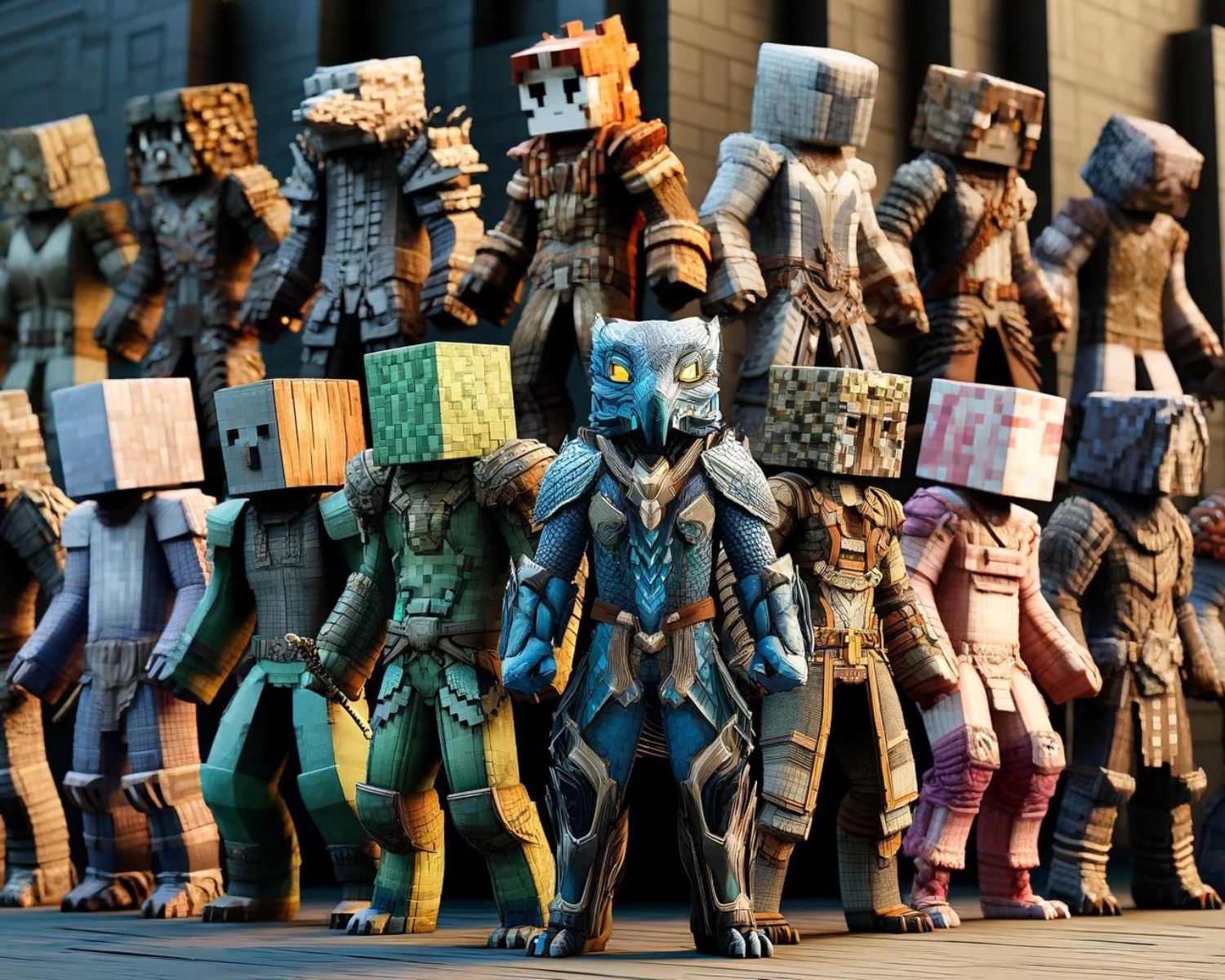
In the world of digital art, texture refers to the visual surface quality that gives depth, dimension, and realism to a character or object. For Minecraft skins, texture is essential because it transforms simple, blocky pixels into recognizable and visually appealing characters. Here’s how different aspects of texture shape the look of Minecraft skins:
1. Color Shading
Shading is a crucial technique for creating depth illusions, allowing designers to simulate lighting and shadow effects and enhance details in clothing, armor, and facial features.
2. Highlights and Shadows
Highlights and shadows enhance skin texture, highlight metallic surfaces, and define contours in clothing, creating a sense of volume and highlighting specific features.
3. Patterns and Detailing
Patterns like stripes, plaids, or logos give skins distinct personalities, setting them apart from plain or monochromatic designs. Intricate detailing, such as embroidery on a coat or stitching on armor, helps build a more immersive and convincing visual representation of the character.
4. Roughness and Smoothness
Textures can also convey different material properties. Rough textures, like fur or leather, give the appearance of wear or ruggedness, while smooth textures resemble polished metals or glass. Balancing these textures allows designers to differentiate between different materials and add realism.
5. Ambient Occlusion
Ambient occlusion, or AO, is a technique that simulates soft shadows in crevices and around objects. Applying AO subtly to skins provides a sense of contrast and realism. It helps make characters look grounded and integrated within the Minecraft world.
Practical Tips for Applying Texture
- Experiment with Palettes: Use varying shades of a color palette to create gradients for shading. This can give clothes, armor, or skin more dimension.
- Reference Real Life: Observe real-world textures to replicate on your skin. Look at how light reflects off different fabrics or surfaces and apply those insights.
- Layer Patterns: Mix patterns and textures thoughtfully to avoid a cluttered look while still adding richness to your designs.
- Optimize Detail Level: Minecraft’s low-resolution skins require careful placement of textures. Ensure each pixel is meaningful to the overall design.
Conclusion
Texture is an essential component that elevates Minecraft skins from basic pixel art to intricate, visually striking characters. With thoughtful shading, strategic detailing, and a balanced use of highlights and shadows, textures can breathe life into any design. So, the next time you set out to create a new skin, remember to think beyond color and explore the textures that will shape your character’s unique identity.
#MinecraftSkins #TextureDesign #GamingArt #MinecraftTips #GamingCommunity #MinecraftCreativity #SkinDesign #MinecraftPlayers #PixelArt #GameDesign