Steve vs. Alex Models: How to Choose the Right Minecraft Skin Format
Choosing a Minecraft skin usually begins with an exciting idea. You might want to become a fearless warrior, a futuristic explorer, a famous athlete or simply a pixelated version of yourself.
However, before you start adding colours, clothing and accessories, there is one important decision to make: should your skin use the Steve model or the Alex model?
The difference may appear small, although it can affect how your finished skin looks in the game.
Understanding the Steve Model
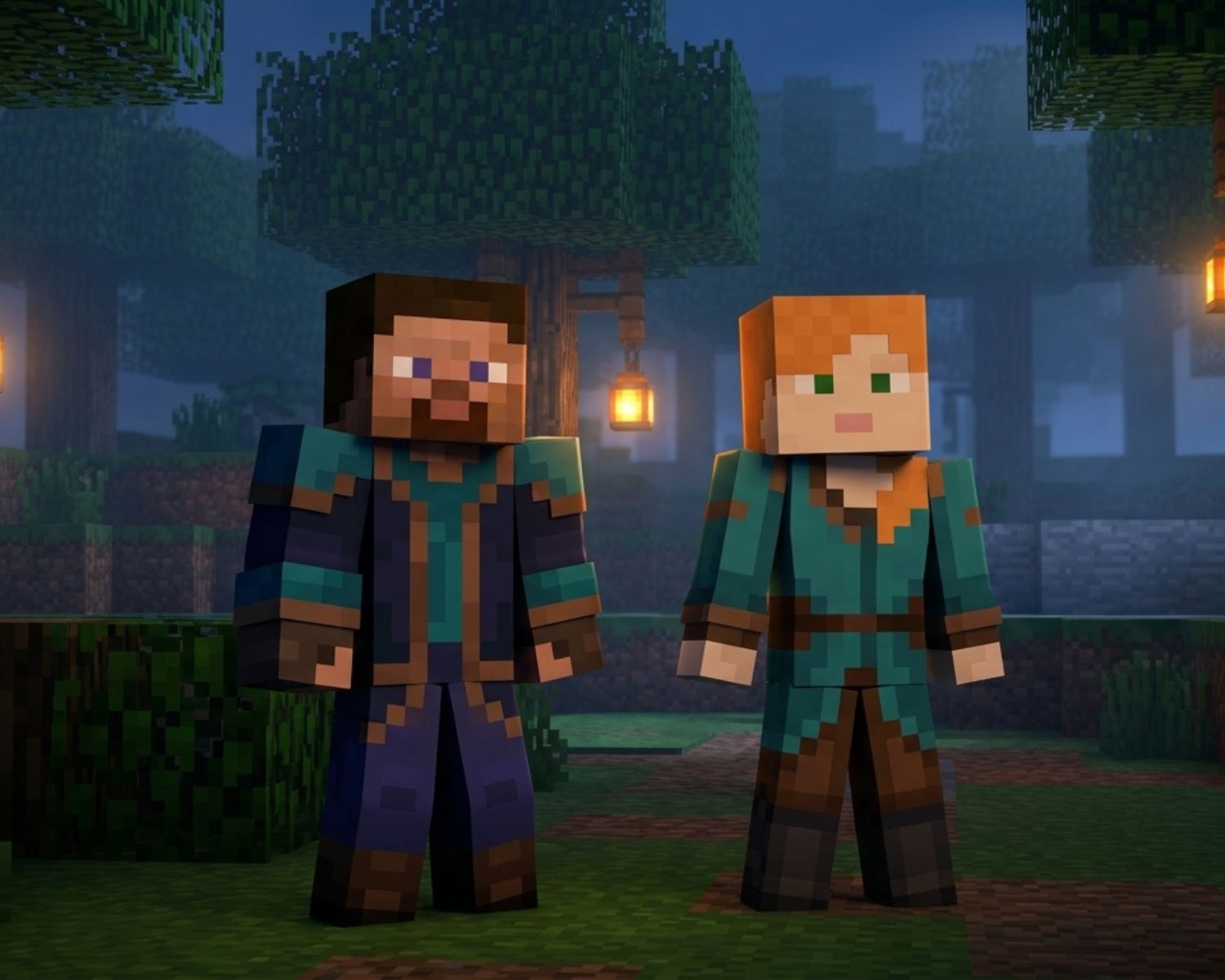
Steve is Minecraft’s classic character model, and it uses arms that are four pixels wide. Because the arms are slightly broader, this format works especially well for characters with bulky clothing, armour, jackets or muscular designs.
For example, if you are creating a medieval knight, a heavily armoured soldier or a superhero with broad shoulders, the Steve model usually provides more space for those details. The wider arms also make bold patterns easier to see, so stripes, sleeves and armour plates can look clearer during gameplay.
However, the extra width means you must design every arm panel carefully. If a skin created for another model is applied without checking the alignment, the sleeves may appear distorted or contain unexpected blank areas.
Understanding the Alex Model
The Alex model has arms that are three pixels wide, which gives the character a slimmer appearance. As a result, it is often a better choice for sleek outfits, fitted clothing and characters with a lighter visual style.
This format can work beautifully for adventurers, athletes, elves, modern characters and detailed fantasy designs. Since the arms are narrower, the character’s overall proportions may feel more refined, especially when the skin uses clean lines or minimalist clothing.
Nevertheless, there is less room for arm details. A complicated symbol that looks excellent on a Steve-model sleeve may become difficult to recognise on an Alex-model arm, so simpler shapes and stronger colour contrast are generally more effective.
Why the Correct Format Matters
Minecraft skin files may look similar when viewed as flat templates, but each section must wrap around the character model correctly. Therefore, using the wrong format can cause missing pixels, uneven sleeves or patterns that no longer connect.
Before downloading or editing a skin, check whether it is labelled “classic” or “slim.” Classic normally refers to Steve’s four-pixel arms, whereas slim refers to Alex’s three-pixel arms.
When browsing designs on Minecraft Skins, consider how each character’s clothing, shoulders and arm details would translate to your preferred model before making a choice.
Most modern skin editors also allow you to preview both models, so rotate the character and inspect the front, back and sides before saving your work.
Which Model Should You Choose?
Neither model is automatically better, because the right choice depends on your character concept. Choose Steve when you want broad arms, substantial armour or more room for sleeve details. Meanwhile, choose Alex when you prefer narrow arms, fitted outfits or a sleeker silhouette.
If you are still unsure, preview the design on both models. Look at how the shoulders connect, whether the hands feel proportionate and whether important details remain visible from different angles. Once you find the version that communicates your idea most clearly, you will have the right format.
Ultimately, a great Minecraft skin is not defined by Steve or Alex alone. It succeeds when the model, colours and details work together, allowing your character to look intentional and recognisable wherever the adventure takes you.
#MinecraftSkins #MinecraftSkinDesign #SteveModel #AlexModel #CustomMinecraftSkin #MinecraftCustomization #MinecraftTips #PixelArt