Before You Download That Skin: How to Avoid Fake Skin Installers, Malware, and Account-Login Scams
Finding a great Minecraft skin should be fun. You spot the perfect wizard, astronaut, athlete, or neon fox design, click download, and imagine the dramatic entrance you are about to make on your favorite server.
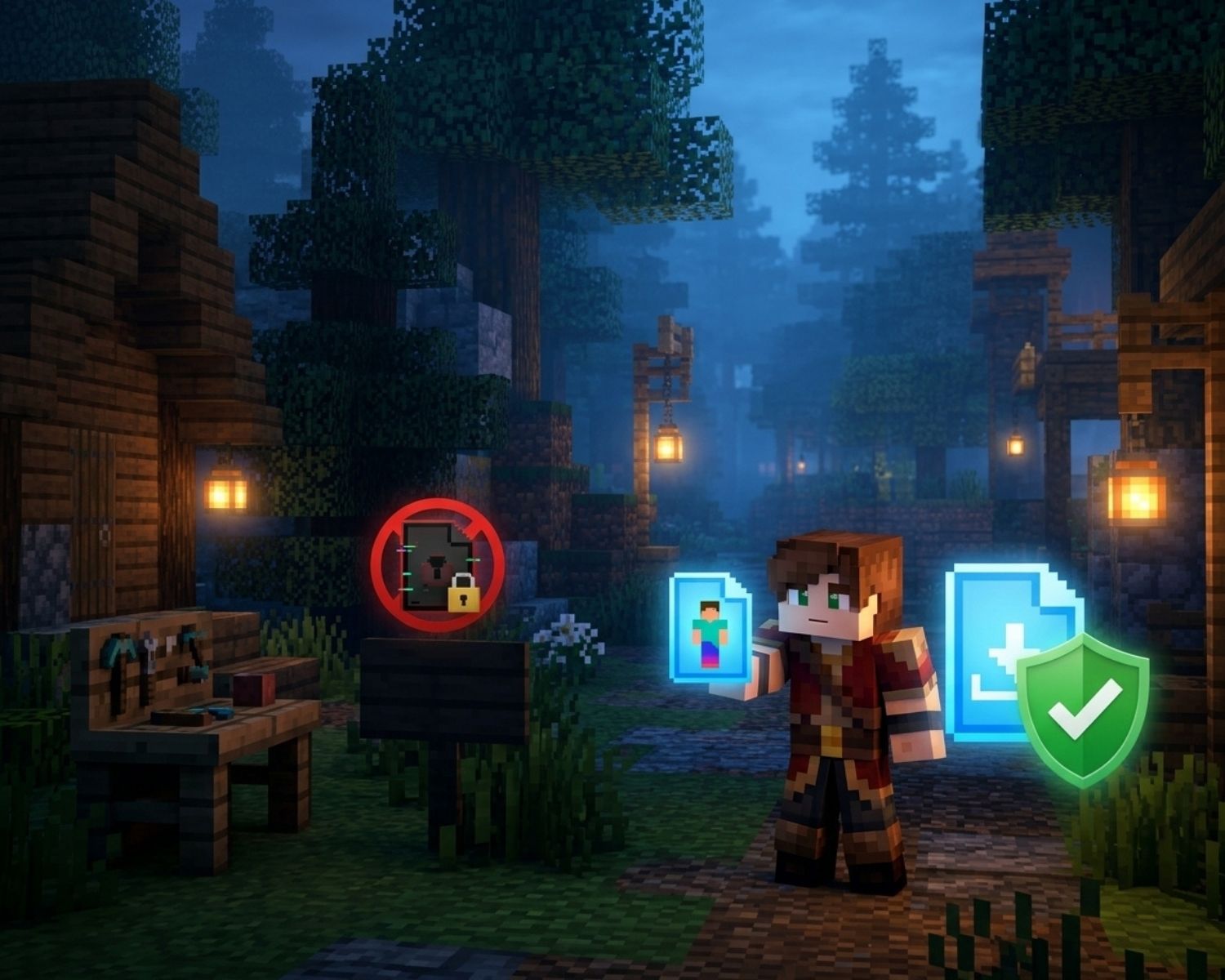
However, some sketchy websites know exactly how excited players can be. Instead of offering a simple skin file, they may push “installers,” suspicious apps, fake account-login pages, or download buttons that lead somewhere completely different.
That is a problem because a Minecraft skin should not require a side quest through ten pop-ups, a mystery program, and a request for your account password. If it does, it is time to back away faster than you would from a Creeper with a very short fuse.
Know What a Normal Skin Download Looks Like
A Minecraft skin is usually a simple image file, most commonly a PNG. You download the file, then upload it through the appropriate official Minecraft or game-platform skin settings.
That is it. No special launcher is needed. No “skin activation tool” should be required. No software should need permission to change your computer just so your character can wear a new hoodie.
If a website says you must install an EXE file, browser extension, mobile app, or “skin unlocker” before using a skin, treat that as a giant red flag wearing a flashing hat.
Watch Out for Fake Download Buttons
Some websites use multiple download buttons to make the page confusing. One may be the actual skin download, while others may lead to unrelated apps, advertisements, or suspicious files.
Before clicking, look carefully at what the button says and where it leads. A genuine skin download should normally provide an image file. If the download name looks strange, such as “MinecraftSkinInstallerSetup” or “FreeCoinsGenerator,” do not open it.
A good rule is simple: if you expected a skin and received a program, something has gone very wrong.
Never Share Your Account Details for a Skin
A skin website does not need your Microsoft account password to let you download an image. It also does not need your email password, recovery code, or two-factor authentication code.
Scammers may create pages that look like official login screens and claim you need to “verify” your account before applying a skin. In reality, they may be trying to take over the account.
Use official Minecraft or Microsoft pages when you need to log in or change account settings. For skin downloads, choose sources that let you browse and save files without demanding sensitive information.
For a safer, simpler route, Minecraft Skins offers downloadable designs without turning the process into a suspicious obstacle course.
Check the File Before You Open It
A skin file should generally look like an image file and open as one. If your device warns that a download may be unsafe, has an unusual file extension, or asks for administrator permission, stop and check it before doing anything else.
Do not rename a file just to make it look like a PNG. That does not magically transform a questionable file into a harmless skin. It is the digital equivalent of putting a mustache on a zombie and calling it a villager. When in doubt, delete the file and download from a source you trust instead.
Keep Your Device and Account Protected
A few simple habits can make a big difference:
- Use strong, unique passwords for your gaming accounts
- Turn on two-factor authentication where available
- Keep your device and browser updated
- Download skins from reputable sources
- Avoid links sent by strangers in chats or comments
- Ask an adult or experienced player for help if something feels off
These steps may sound basic, but basic safety is often what stops a small mistake from becoming a much bigger problem.
Final Thoughts
Minecraft skins are meant to make the game more personal, creative, and fun. They should not put your account or device at risk.
Stick to simple image downloads, avoid mystery installers, keep your login details private, and trust your instincts when a website feels too pushy. The right skin should improve your character, not cause a real-world boss battle with account recovery.
#MinecraftSafety #MinecraftSkins #OnlineSafety #GamingSecurity #MinecraftTips #SafeDownloads #MinecraftCommunity