
Why Your Minecraft Skin Disappears Under Armor: How to Design for Helmets, Elytra, and Layered Gear
You spend time choosing the perfect jacket, adding a cool hairstyle, and giving your Minecraft skin one tiny detail that makes it unmistakably yours. Then you put on full armor and, poof, half your masterpiece vanishes behind iron plates.
It is one of Minecraft’s little fashion tragedies. Your skin can look incredible in the character preview, yet survival mode has other plans. Helmets cover faces, chestplates hide shirts, leggings swallow patterns, and Elytra can turn a carefully designed back into a mystery.
That does not mean you need to choose between staying protected and looking memorable. It simply means designing with gameplay in mind.
Know What Gear Covers First
Armor does not hide every part of a skin equally. A helmet covers much of the head, so detailed hair, masks, eyes, crowns, and hats may disappear when players suit up. Chestplates cover the torso, leggings conceal much of the lower body, and boots can hide the shoes you spent fifteen minutes making just right.
Elytra changes the picture again. It sits across the character’s back and can hide capes, backpacks, wings, jackets, and other rear details. If your skin’s biggest feature is a dramatic cape, it may look amazing while standing still but become much less visible during a long flight.
The trick is to think of armor as part of the outfit, not the enemy of it. Your skin should still have a recognizable personality when some details are covered.
Put Your Signature Details Where They Stay Visible
The best armor-friendly skins use visual clues that remain noticeable even when gear takes center stage.
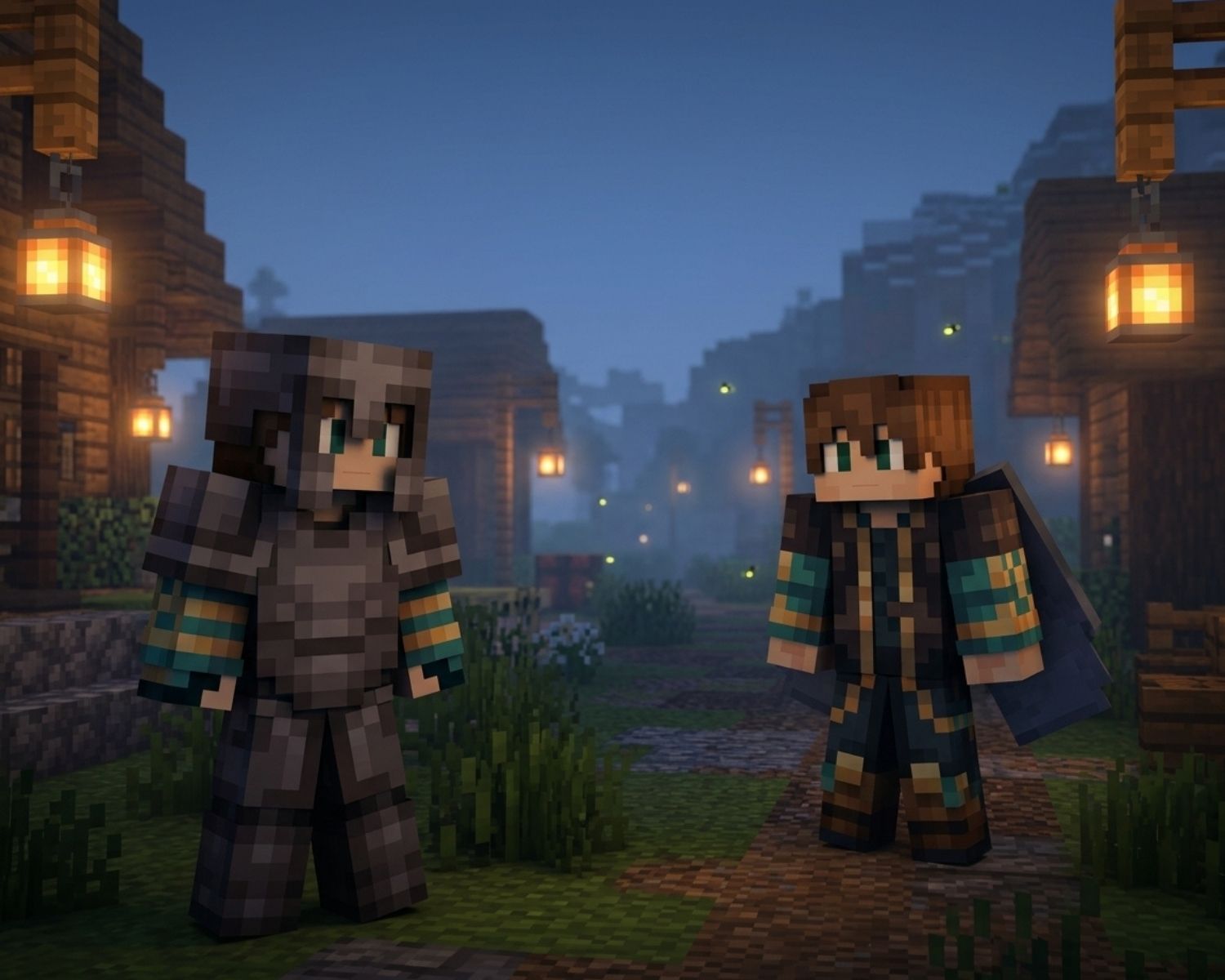
For example, strong colors on the face, sleeves, hands, lower legs, or the visible edges of a character can help a skin stay recognizable. A signature color palette also works well. Even if a chestplate hides your hoodie, players may still recognize your character by the same blue-and-gold sleeves, bright hair, or patterned boots.
Large shapes usually perform better than tiny details. A bold stripe, a contrasting cuff, or a distinctive face pattern can survive gameplay much better than a small symbol tucked into the middle of a shirt.
When browsing Minecraft Skins, look for designs with a clear silhouette and recognizable colors, not only impressive details in the preview image.
Let the Outer Layer Do Some Heavy Lifting
Minecraft’s outer skin layer is useful for adding depth, jackets, gloves, hair volume, armor-like trims, and accessories. However, it should support the main design rather than carry all of it.
If the entire personality of your skin lives in a bulky outer-layer coat or backpack, armor may hide the effect. Instead, build a strong base layer first, then use the outer layer as the fun extra topping.
Think of it like a pizza. The base needs to be good before you start adding the fancy toppings.
Test Your Skin in Different Situations
Before deciding a skin is finished, test it in a few common gameplay situations:
- Wearing a helmet only
- Wearing full armor
- Holding a shield
- Flying with Elytra
- Standing near friends on a multiplayer server
- Moving quickly during combat or exploration
You may notice that certain colors blend into armor, some details disappear from a distance, or your face needs more contrast. Small adjustments can make a huge difference.
It is also worth checking the skin in daylight, caves, snowy areas, and darker biomes. A dark outfit can look excellent in a bright preview but become almost invisible in a deep cave. Minecraft is full of surprises, and not all of them involve Creepers.
Design for Recognition, Not Perfection
A good skin does not need every pixel to remain visible under every item of gear. That would be impossible and probably a little exhausting.
Instead, aim for a few recognizable elements that survive the wardrobe changes: a strong color combination, a distinct face, memorable sleeves, or a simple visual theme. If friends can still spot you in a crowd of armored players, the design is doing its job.
Final Thoughts
Armor may cover parts of a Minecraft skin, but it does not have to erase your character’s identity.
By placing signature details in visible areas, using bold color choices, and testing your design with real gear, you can create a skin that works in survival mode as well as it does in a screenshot.
Looking good in Minecraft is nice. Looking good while surviving a skeleton ambush is even better.
#MinecraftSkins #MinecraftStyle #MinecraftArmor #Elytra #MinecraftCustomization #SkinDesign #MinecraftGaming