

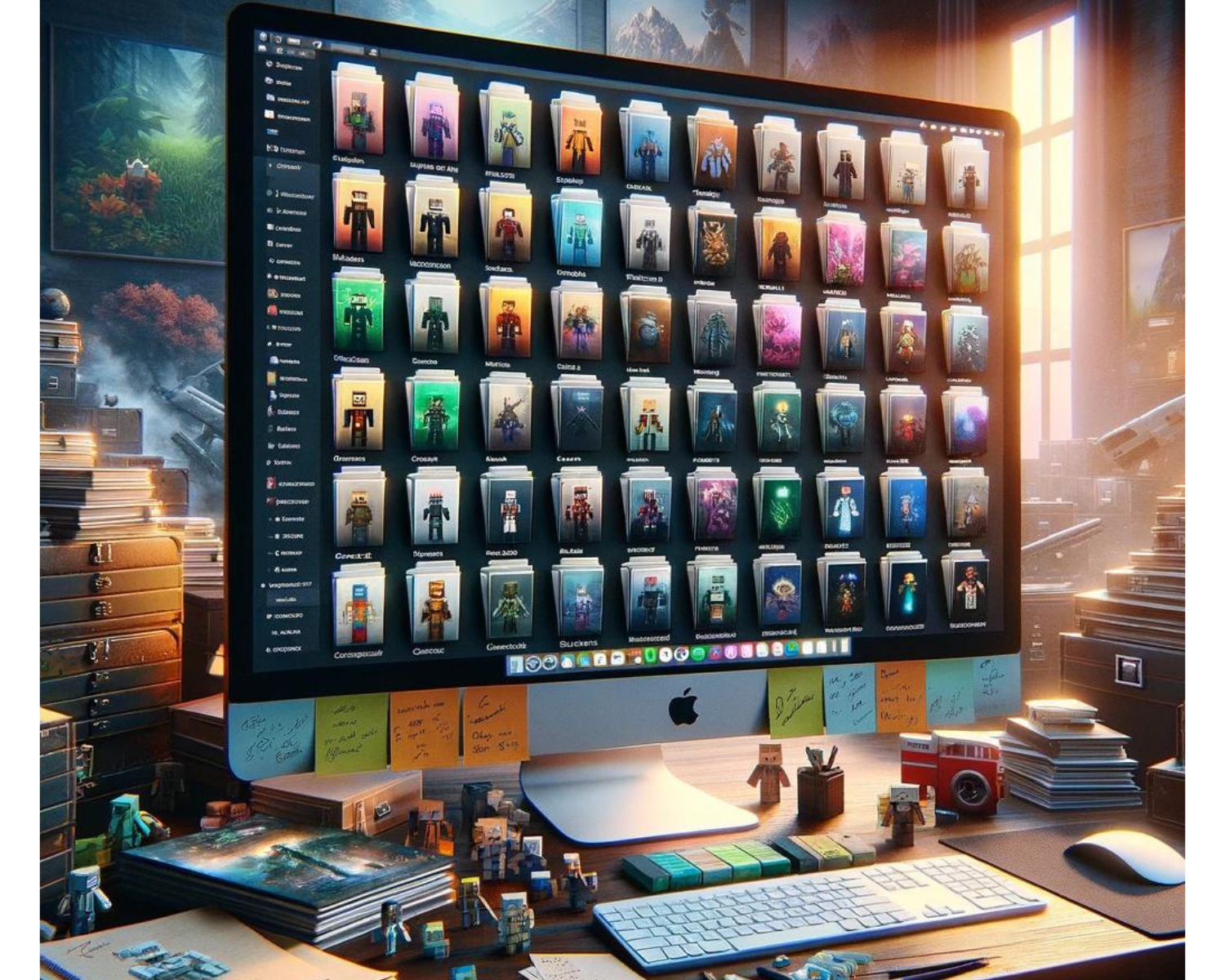
The Ultimate Guide to Organizing Your Minecraft Skin Collection: Top Management Tips
Introduction
Minecraft players view skins as a collection of identities representing different adventures or moments. Over time, this collection can grow, making it challenging to manage efficiently. This guide provides top management tips for organizing your Minecraft skin collection for a better gaming experience.
- Centralize Your Collection
- Digital Folder: Create a dedicated folder on your computer or cloud storage specifically for your Minecraft skins. This central location makes it easier to browse your collection and ensures that you don’t lose your skins amidst other files.
- Naming Convention: Adopt a consistent naming convention for your skin files. For example, you could name them based on the theme (Zombie_Hunter, Red_Knight), character (Link_Zelda, Mario_Classic), or event (Halloween_2023, Christmas_Special). This approach helps in quickly identifying skins without needing to preview each one.
- Categorize Your Skins
- By Theme or Use: Group your skins by their theme (fantasy, sci-fi, superheroes) or intended use (PvP, role-play, casual). Categorizing skins allows for easier selection based on your current gaming needs or preferences.
- Custom Folders or Tags: Utilize folders for broad categories and tags for more specific sub-categories. Tags are particularly useful for skins that fit into multiple categories, such as skin that is both a superhero and suitable for PvP.
- Utilize Skin Management Software: Minecraft game developers can utilize various skin management tools and mods, including skin previews, automatic categorization, and quick game switching, to enhance gameplay. Some popular options include:
- MCSkin3D: Offers a comprehensive suite for skin editing and management.
- SkinDeck: This is an online tool that allows for organizing, editing, and sharing Minecraft skins.
- Tynker’s Minecraft Skin Editor: This is great for younger players or beginners, offering both creation and management features.
- Keep Your Collection Up-to-Date
- Regular Reviews: Periodically review your skin collection to remove any that you no longer use or enjoy. This keeps your collection fresh and relevant to your current interests.
- Stay Organized with Updates: When adding new skins to your collection, immediately place them into the appropriate category and name them according to your convention. This habit prevents your collection from becoming cluttered and disorganized over time.
- Backup Your Collection
- Regular Backups: Regularly back up your skin collection, especially if stored locally, using cloud storage services like Google Drive, Dropbox, or OneDrive for added security.
- Export Tool: Some skin management software provides an export tool, enabling users to export their entire collection as a single file, facilitating easy backup, transfer, or sharing.
- Share and Exchange with the Community: The Minecraft community is supportive, promoting skin exchange through forums, social media groups, and dedicated websites, introducing players to new skins, and making others’ days.
Conclusion
An organized skin collection in Minecraft enhances the experience by simplifying navigation and choosing the perfect skin for any occasion. It reflects your unique style and interests, enhancing enjoyment and management.