
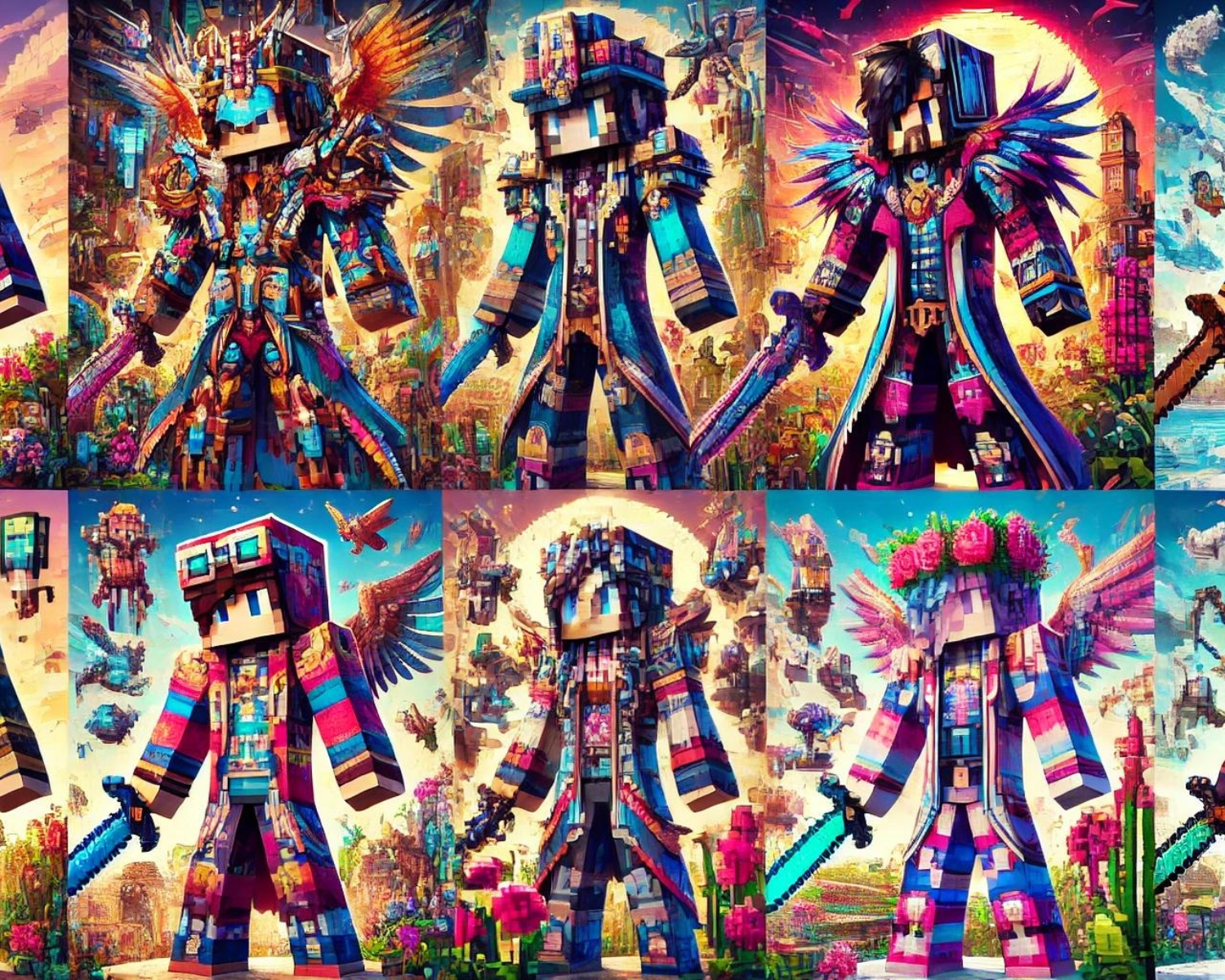
Minecraft Skins: The Best of Pixel Art
Introduction
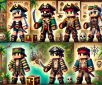
Minecraft is a survival game with unique skins that allow players to express their individuality and artistic flair. This blog explores the best pixel art skins, transforming avatars into stunning digital art.
Celebrating Pixel Art in Minecraft Skins
Pixel art is a software-generated digital art style that aligns with Minecraft’s blocky environment, creating intricate designs that can represent famous characters or original creations, changing colors or outfits.
Top Picks for Pixel Art Skins
1. Retro Gaming Icons
For fans of classic video games, skins designed as pixel art representations of retro gaming icons like Mario, Link, or Mega Man offer a nostalgic thrill. These skins often feature the characteristic 8-bit designs that echo the graphics of their original games, making them instantly recognizable and a favorite among gamers.
2. Superheroes and Villains
Pixel art skins of popular superheroes and villains bring comic book characters to life in Minecraft’s world. Whether it’s Batman, Spider-Man, or a pixel-perfect rendition of Thanos, these skins are great for those who want to role-play as their favorite characters with a distinct, blocky style.
3. Fantasy and Mythology
Dragons, wizards, and mythical creatures make for some of the most detailed and visually striking pixel art skins. These designs often incorporate complex color gradients and detailed accessories like cloaks and magical staffs, showcasing the skin creators’ pixel art skills.
4. Abstract and Geometric Designs
Not all pixel art skins need to represent a character or object. Some of the most eye-catching skins are made up of abstract patterns and geometric shapes. These skins turn the player’s character into a walking piece of art, featuring vibrant colors and intricate designs that stand out in the game world.
5. Seasonal and Holiday-Themed Skins
From spooky Halloween designs to festive Christmas attire, seasonal skins are a fun way to engage with ongoing celebrations. Pixel art adds an extra layer of charm to these skins, with detailed snowy landscapes on a winter cloak or a creepy skeletal face for Halloween.
Tips for Choosing and Using Pixel Art Skins
- Match Your Skin to Your Gameplay: Choose a skin that reflects your playing style or the theme of your Minecraft server. For instance, a knight or warrior skin might be more suitable for survival modes.
- Consider Visibility: Some skins are more detailed and can be distracting or hard to see in certain environments. Consider how visible your skin will be in different settings within the game.
- Use a Reputable Skin Editor: If you’re inspired to create your pixel art skin, use a reputable skin editor like MCSkin3D or an online editor like The Skindex. These tools offer the precision needed for detailed pixel art.
- Check the Community: Platforms like MinecraftSkins.com host communities where users share their creations. These sites are excellent resources for finding unique skins and connecting with talented skin artists.
Conclusion
Pixel art skins in Minecraft enhance creativity and personality in gameplay. Choose from classic characters, superheroes, or abstract designs, ensuring your Minecraft persona matches your play style. Explore the vast world of skins.
#Minecraft #PixelArt #GamingCommunity #MinecraftSkins #DigitalArt #RetroGaming #Superheroes #FantasyGaming #GeometricDesigns #SeasonalSkins #SkinEditors #GamerLife #CustomSkins