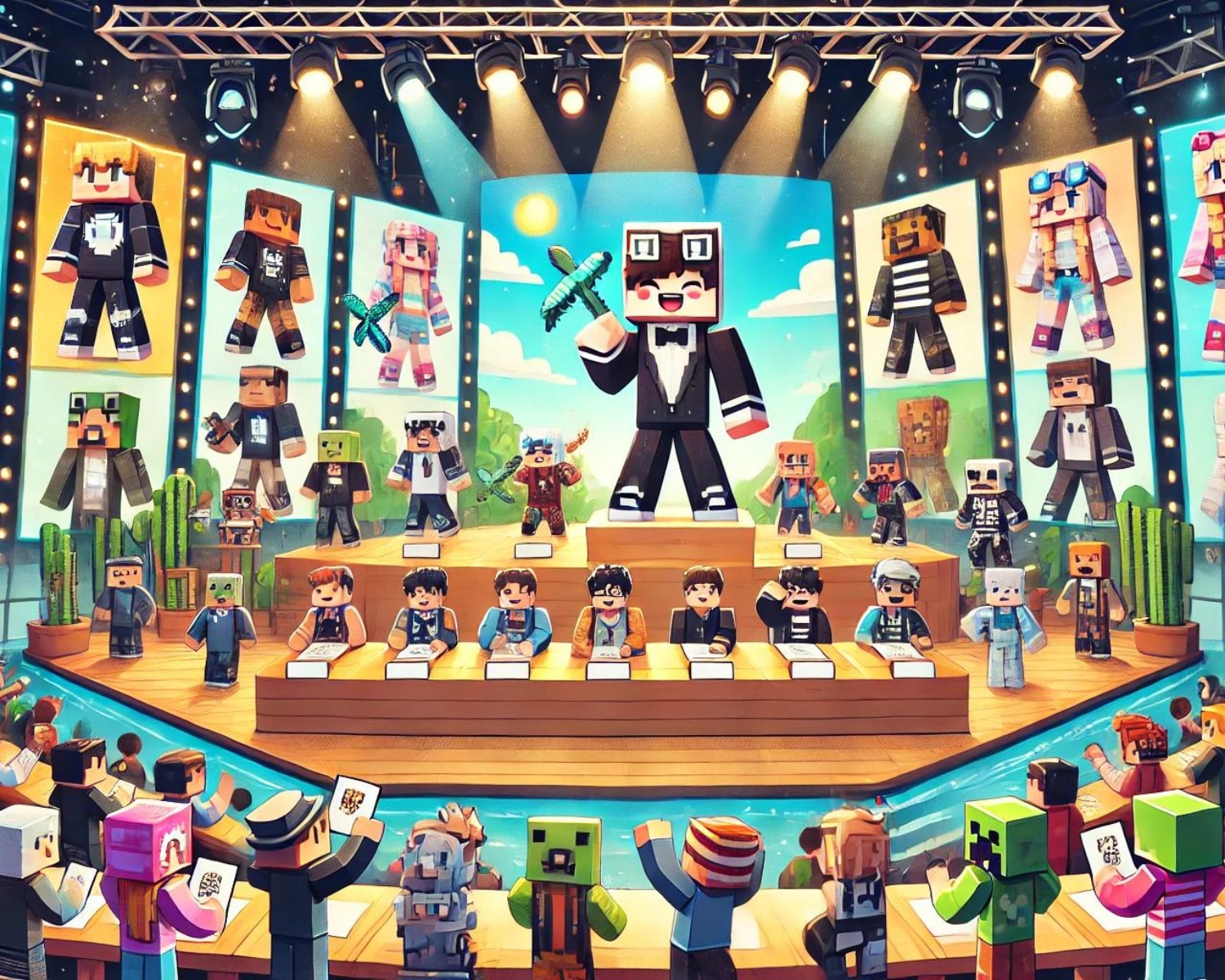
How to Host a Minecraft Skin Design Contest
Introduction
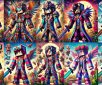
Hosting a Minecraft skin design contest engages the Minecraft community, encourages creativity, and fosters teamwork. A step-by-step guide provides instructions on organizing and running a successful contest.
Step 1: Define the Purpose and Theme
Choose a contest purpose, such as promoting a new server, celebrating a holiday, or encouraging creativity, to guide the theme, inspire participants, and set the design tone.
Step 2: Set the Rules
Clear rules are crucial for a successful contest. Here are some aspects to consider:
- Eligibility: Who can enter? Is it open to all Minecraft players or just members of your server or community?
- Submission Guidelines: What file format should the skins be in? Where and how should they be submitted?
- Design Requirements: Must participants create completely original designs, or are modifications of existing skins allowed?
- Deadline: When is the submission deadline? Make sure to give enough time for participants to work on their designs.
Step 3: Choose the Judging Criteria
Decide how the entries will be judged. Common criteria include:
- Creativity: How original and unique is the design?
- Relevance to Theme: Does the skin fit the theme of the contest?
- Detail and Complexity: How detailed and visually interesting is the skin?
- Overall Aesthetic: Does the skin have a pleasing overall appearance?
You can choose to have a panel of judges, community voting, or a combination of both to determine the winners.
Step 4: Promote the Contest
Promotion is key to getting participants. Use all available platforms to spread the word:
- Social Media: Post about the contest on platforms like Twitter, Instagram, and Facebook.
- Minecraft Forums and Communities: Share your contest on Minecraft-related forums, Discord servers, and subreddits.
- Your Website or Blog: If you have a gaming blog or a server website, post detailed information about the contest.
- In-game Announcements: If you’re running a server, use server announcements to inform players about the contest.
Step 5: Provide Resources
Not all participants might be familiar with skin design. Providing resources can help them get started.
Step 6: Host the Contest and Monitor Submissions
Once everything is set up and participants are working on their skins, keep an eye on submissions to ensure they meet the contest’s rules and guidelines. It’s also a good time to continue promoting the contest to ensure you get as many participants as possible.
Step 7: Judge the Entries and Announce Winners
After the submission deadline, the judging phase begins. If the community is involved in voting, make sure the process is fair and tamper-proof. Once the winners are decided, announce them on all your platforms. Make sure to showcase their designs and offer them their prizes.
Step 8: Distribute Prizes
Prizes can vary greatly, depending on your resources. They could be anything from in-game currency, exclusive items, or ranks on your server to real-world rewards like gift cards, gaming gear, or merchandise. Whatever you choose, ensure it’s appealing enough to encourage participation.
Step 9: Get Feedback
After the contest, it’s a good idea to get feedback from participants and viewers. This can help you improve future contests. Ask about what they liked, what they didn’t, and what they think could be improved.
Conclusion
Hosting a Minecraft skin design contest is a fun and engaging way to interact with the gaming community. It not only fosters creativity but also brings players together in a friendly competition. Follow these steps, and you’re sure to host a successful contest that will be remembered fondly by all participants.
#Minecraft #SkinDesign #GamingContest #MinecraftCommunity #CreativeGaming #GameDesign #MinecraftSkins #CommunityEvent