


How to Revamp Old Minecraft Skins
Introduction Minecraft skins are an integral part of your identity in the Minecraft world. They reflect your style, mood, and sometimes even your gaming strategy. But as time passes, you might find your old skin a bit outdated or not reflecting your current tastes or the latest trends. Revamping your old Minecraft skins can reinvigorate your gaming experience, giving an old character new life. Here’s how you can breathe new life into your Minecraft skins: 1. Evaluate and Plan Your Changes Start by

Unveiling Pixels: The Evolution of Minecraft Skins Through Time
Introduction This blog post explores the history and evolution of Minecraft skins, highlighting their significance in the game's evolution from a simple sandbox to a vast universe and how they have become a cornerstone of self-expression within the game. The Dawn of Minecraft Skins (2009–2010) Minecraft's early versions had limited customization options, with players primarily represented by the iconic "Steve?" character. The introduction of skins revolutionized the game by allowing players to express their individuality and diverge from Steve?'s generic appearance. Although initially
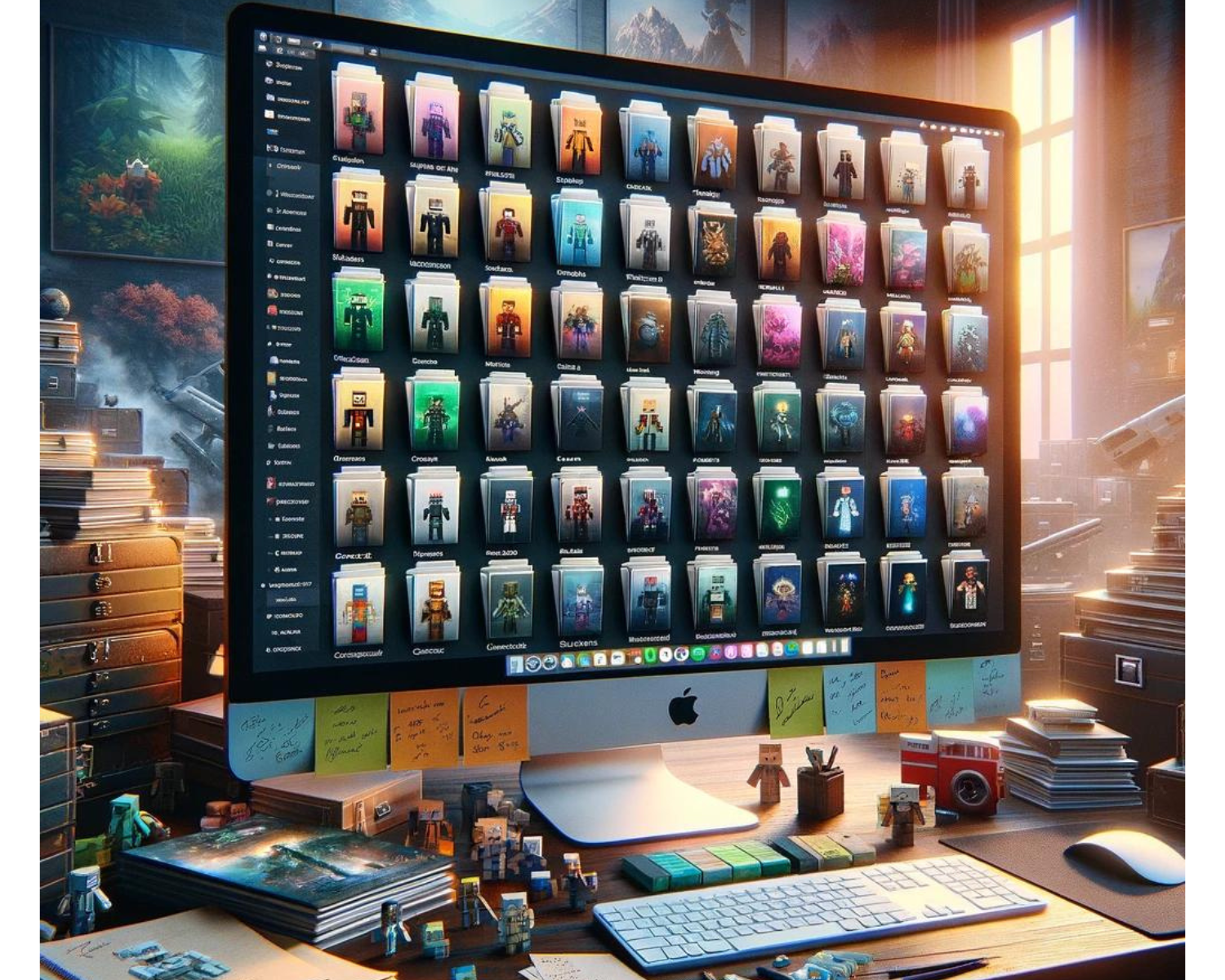
The Ultimate Guide to Organizing Your Minecraft Skin Collection: Top Management Tips
Introduction Minecraft players view skins as a collection of identities representing different adventures or moments. Over time, this collection can grow, making it challenging to manage efficiently. This guide provides top management tips for organizing your Minecraft skin collection for a better gaming experience. Centralize Your Collection Digital Folder: Create a dedicated folder on your computer or cloud storage specifically for your Minecraft skins. This central location makes it easier to browse your collection and ensures that you don't lose your skins amidst

Seamless Pixels: A Comprehensive Guide to Importing Skins into Minecraft Across Platforms
Introduction Minecraft allows players to personalize avatars through skins, representing identity, creativity, and loyalty. Importing skins varies across platforms, but this guide provides a step-by-step tutorial to ensure uniqueness in your digital persona and gameplay. Importing Skins on PC (Java Edition) The Java Edition of Minecraft is known for its flexibility and modding capabilities, including skin customization. Find or Create Your Skin: Choose a skin from popular Minecraft skin websites or create your own using skin editing software. Visit the Official Minecraft Website: Go to

Pixelated Reflections: Unraveling the Psychology Behind Choosing a Minecraft Skin
Introduction Minecraft's skin choices reveal a player's identity, aspirations, and subconscious mind. This intersection of virtual choices and real-world psychology allows for intriguing discussions about the deeper meanings these digital personas may signify. The Mirror of identity For many players, a Minecraft skin is a direct extension of their personality. In this digital landscape, players find the freedom to express parts of their identity that they may feel hesitant to showcase in the real world. Often, skins represent not who the player is but who