


Seamless Pixels: A Comprehensive Guide to Importing Skins into Minecraft Across Platforms
Introduction Minecraft allows players to personalize avatars through skins, representing identity, creativity, and loyalty. Importing skins varies across platforms, but this guide provides a step-by-step tutorial to ensure uniqueness in your digital persona and gameplay. Importing Skins on PC (Java Edition) The Java Edition of Minecraft is known for its flexibility and modding capabilities, including skin customization. Find or Create Your Skin: Choose a skin from popular Minecraft skin websites or create your own using skin editing software. Visit the Official Minecraft Website: Go to
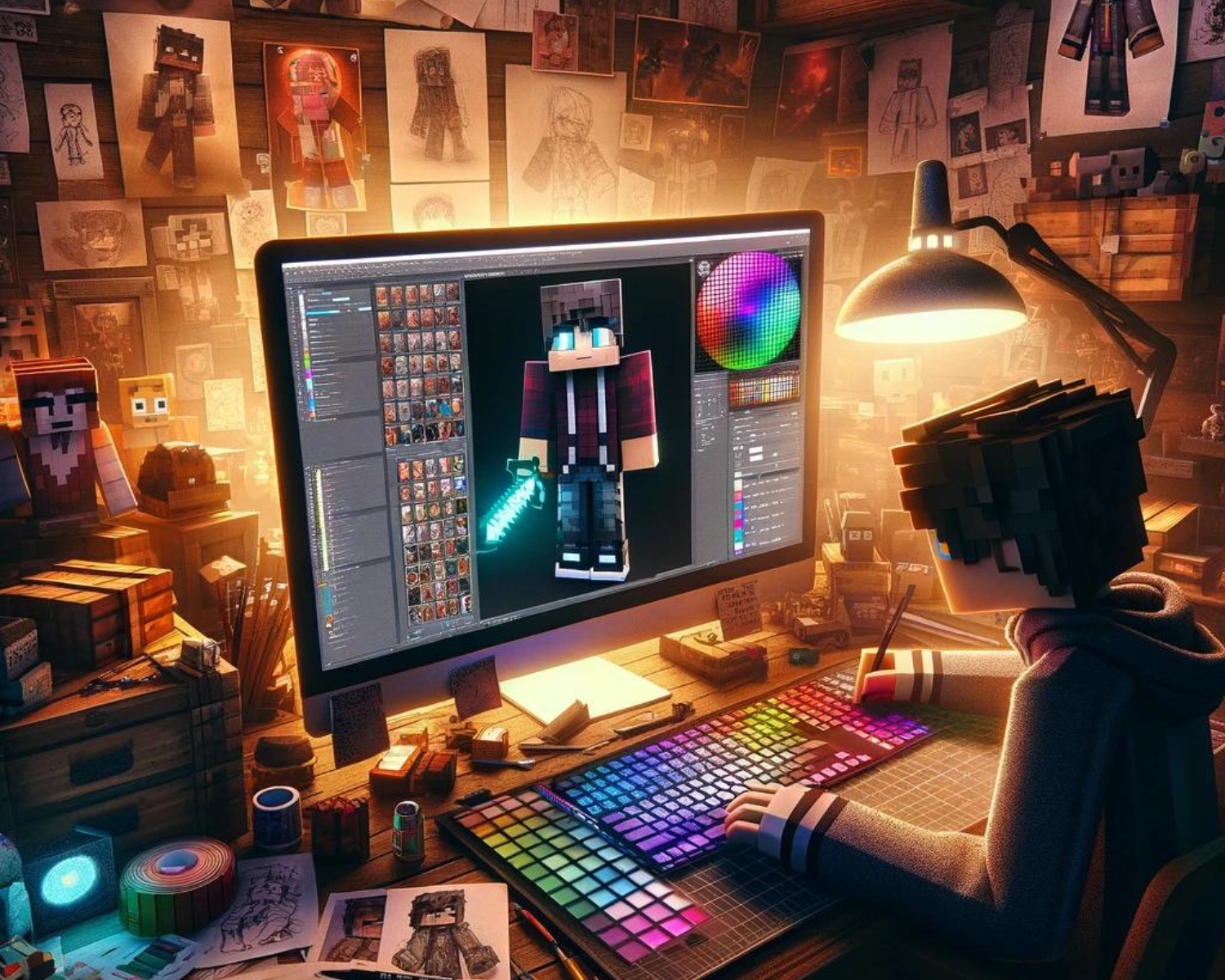
Crafting Your Pixel Persona: Tips for Making Your Minecraft Skin Unique
Introduction Minecraft character skins reflect identity, creativity, and humor. Customizing them sets you apart and adds a personal touch to your adventures. Essential tips for making your Minecraft skin truly your own include diving into ocean monuments, battling Ender Dragons, and showcasing builds. Start With Inspiration Draw from your interests and think about your favorite movies, books, video games, or historical periods. Drawing inspiration from these sources can help you create a skin that resonates with your interests. Look to the Real World: Your hobbies,