
Crafting Your Pixel Persona: Tips for Making Your Minecraft Skin Unique
Introduction
Minecraft character skins reflect identity, creativity, and humor. Customizing them sets you apart and adds a personal touch to your adventures. Essential tips for making your Minecraft skin truly your own include diving into ocean monuments, battling Ender Dragons, and showcasing builds.
Start With Inspiration
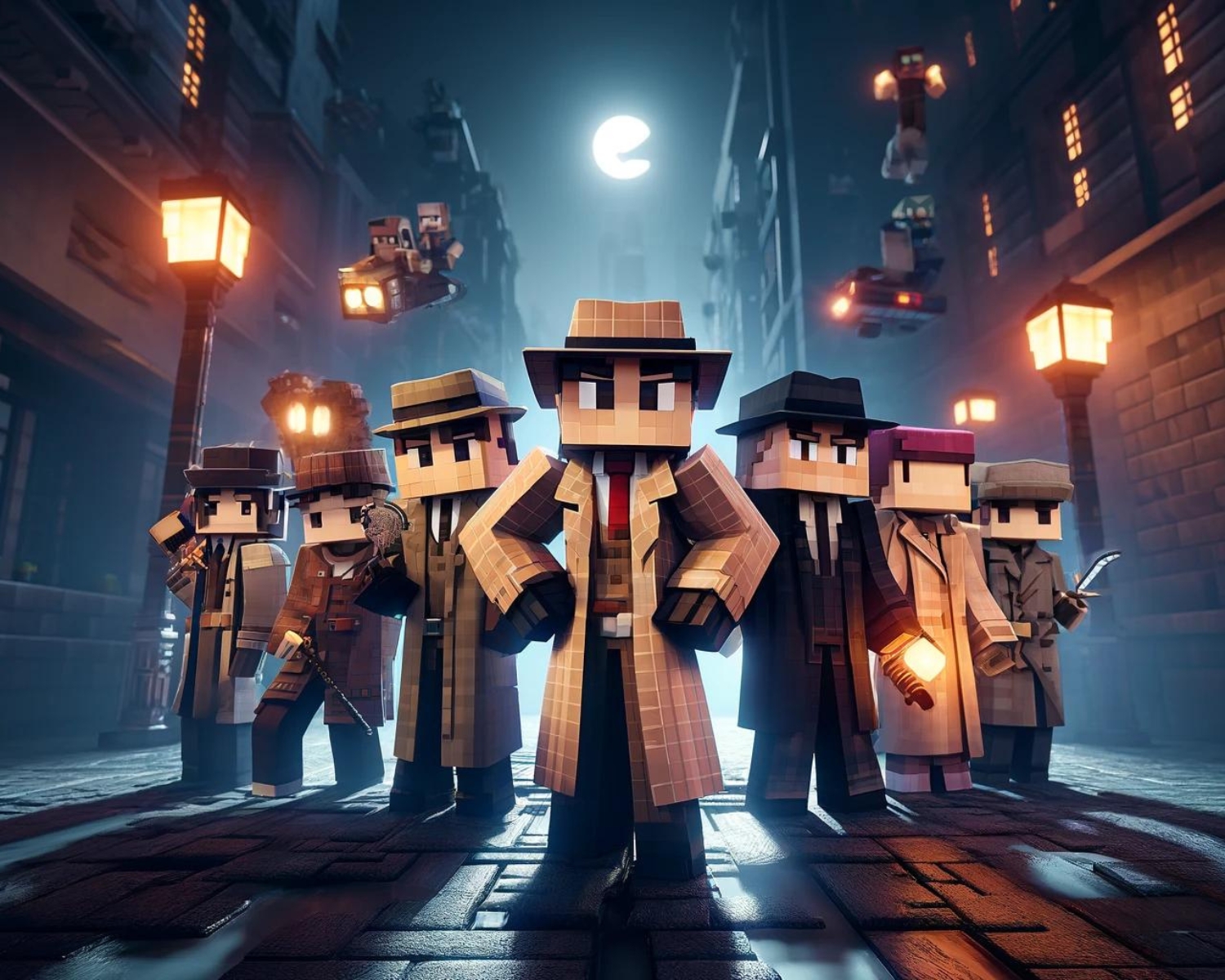
- Draw from your interests and think about your favorite movies, books, video games, or historical periods.
- Drawing inspiration from these sources can help you create a skin that resonates with your interests.
- Look to the Real World: Your hobbies, profession, or even your dream job can serve as inspiration for your skin.
- Whether you’re an aspiring astronaut, a passionate painter, or a dedicated doctor, reflecting your real-world interests on your skin can make it feel more personal and unique.
Designing Your Skin
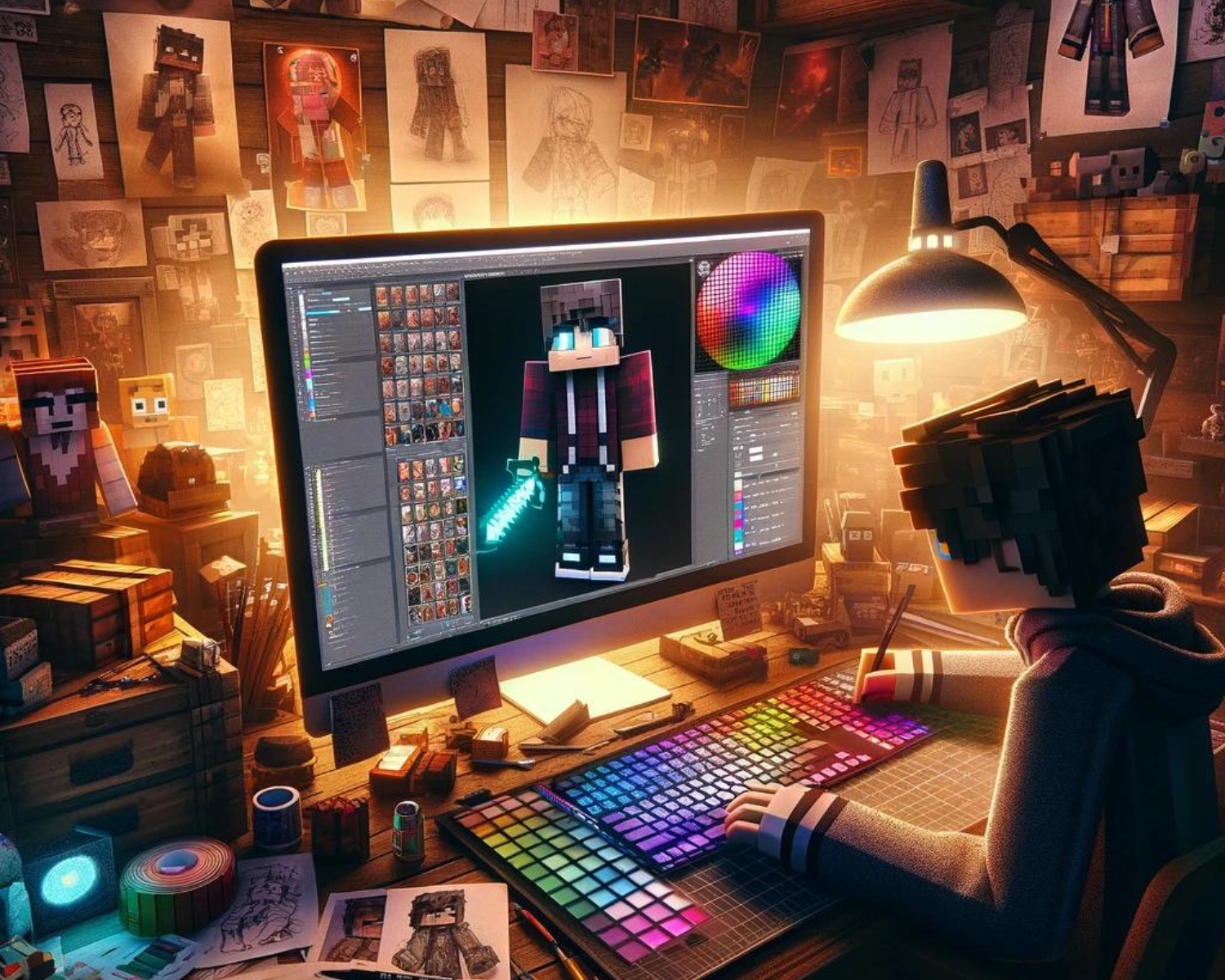
- Use the Right Tools: To start crafting your skin, utilize user-friendly skin editing tools like MCSkin3D or online editors such as Skindex. These tools offer intuitive interfaces and a wide range of colors and textures, making it easy for both beginners and seasoned designers to bring their visions to life.
- Pay Attention to Detail: Attention to detail is crucial in creating a unique skin look. Add texture to clothing, shade for depth, or incorporate character backstory accessories to make your skin stand out.
- Experiment with Color: Experiment with color palettes to create unique and visually appealing skin, using tools like Coolors or Adobe Color to find inspiration and create a harmonious palette.
Testing and Refinement
- Preview Your Skin: Before finalizing your design, preview your skin in a 3D model viewer. This allows you to see how your skin looks from all angles and in different lighting conditions. Make adjustments as needed to ensure your skin looks great both up close and from a distance.
- Get Feedback: Share your skin design with friends or the Minecraft community to get feedback. Other players can offer valuable insights, suggest improvements, or simply provide the encouragement you need to finalize your design.
- Keep Evolving: Your interests and style may change over time, and so can your Minecraft skin. Don’t be afraid to update your skin or create entirely new designs as you evolve as a player. Remember, your skin is a reflection of your persona in the Minecraft world, and it can change just as you do.
Conclusion
Customizing your Minecraft character with a unique skin is a creative and enjoyable way to express your individuality. By drawing inspiration from your interests, paying attention to detail, and using the right tools, you can create a unique and memorable skin that represents you.