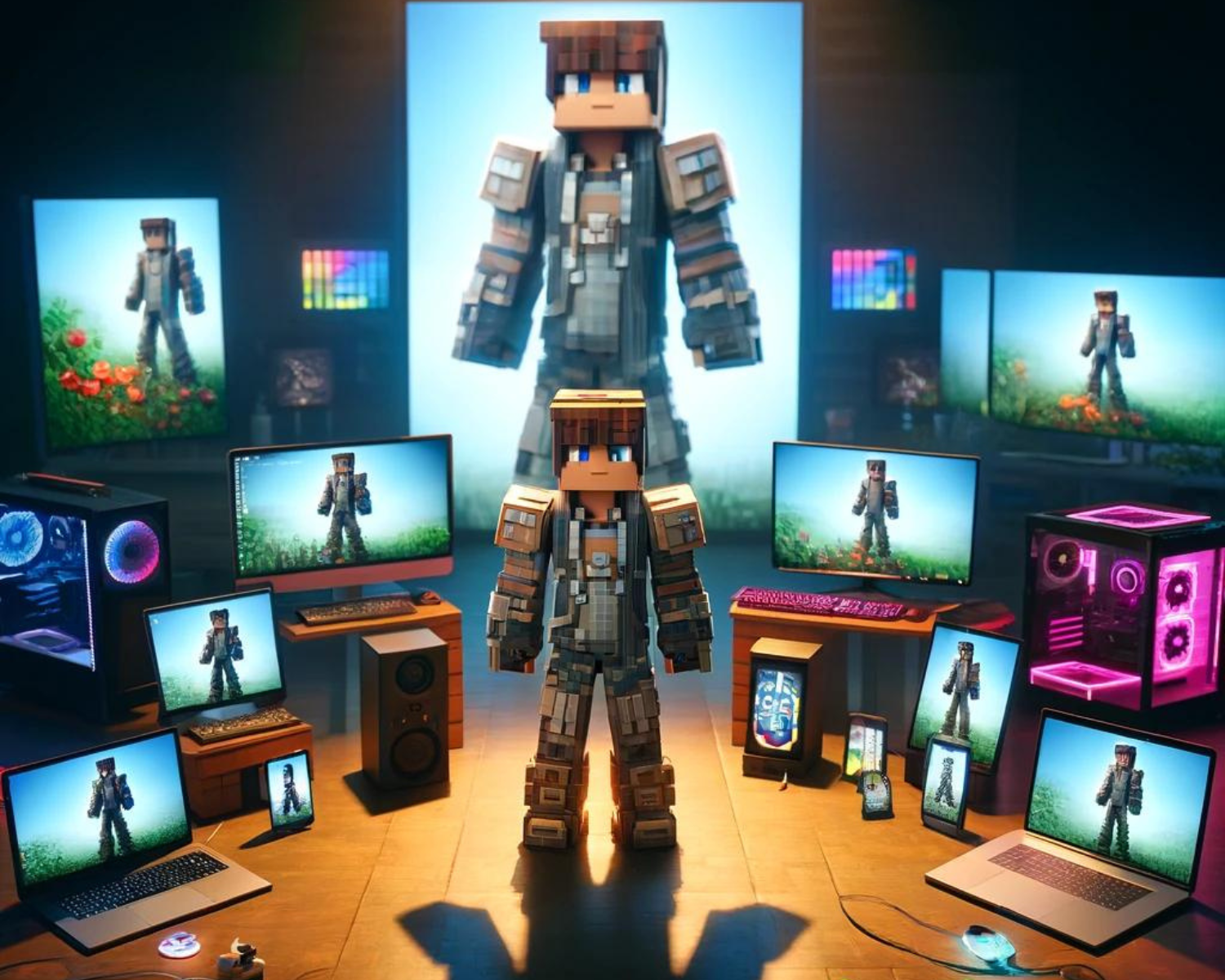
Pixel Perfect: Showcasing Your Minecraft Skin Across Platforms
Introduction
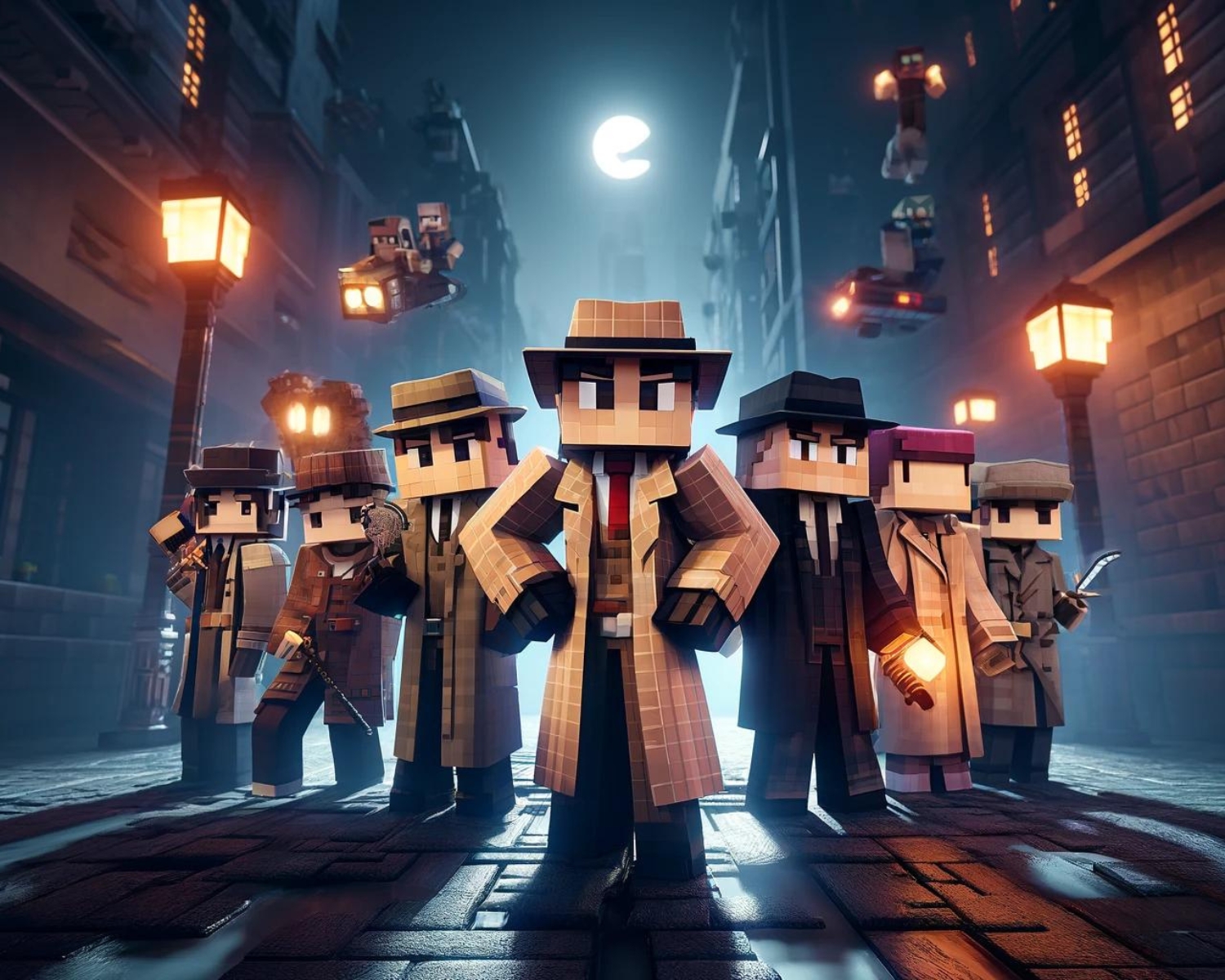
Minecraft players are showcasing their digital avatars as icons on social media and in-game, reflecting their creativity, personality, and loyalty. This can connect players with like-minded players, spark inspiration, and even gain a following.
In-Game Showcases
- Build a Hall of Skins: Create an in-game gallery dedicated to your skins. Design rooms or pedestals displaying armor stands equipped with your skins. This not only serves as a personal museum but can also be an interesting building to share on servers or with friends.
- Organize a Skin Parade: Collaborate with a community or server to organize events where players can show off their skins. These could be themed parades, skin contests, or role-play gatherings, providing a fun way to interact and showcase creativity.
- Wear Your Skin Proudly: Whether you’re joining a multiplayer server, engaging in PvP battles, or streaming your gameplay, wearing your unique skin is the simplest yet most effective way to showcase it. Your skin can become your signature, recognizable in the community.
Social Media Spotlight
- High-Quality Screenshots: Capture striking screenshots of your character in various settings or performing actions in-game. Use photo editing software to enhance the images and post them on platforms like Instagram, Twitter, or Pinterest with engaging captions.
- Skin Showcase Videos: Create short videos or reels featuring your skin. These could be walkthroughs of your in-game gallery, tutorials on how to create the skin, or adventures highlighting your skin in action. Platforms like YouTube, TikTok, and Instagram are perfect for sharing video content.
- Join Skin Sharing Communities: Platforms like Reddit and Discord host vibrant Minecraft communities where you can share your skins, get feedback, and see what others are creating. Participating in these communities can increase the visibility of your skin and introduce you to trends and ideas.
Leveraging Skin Platforms
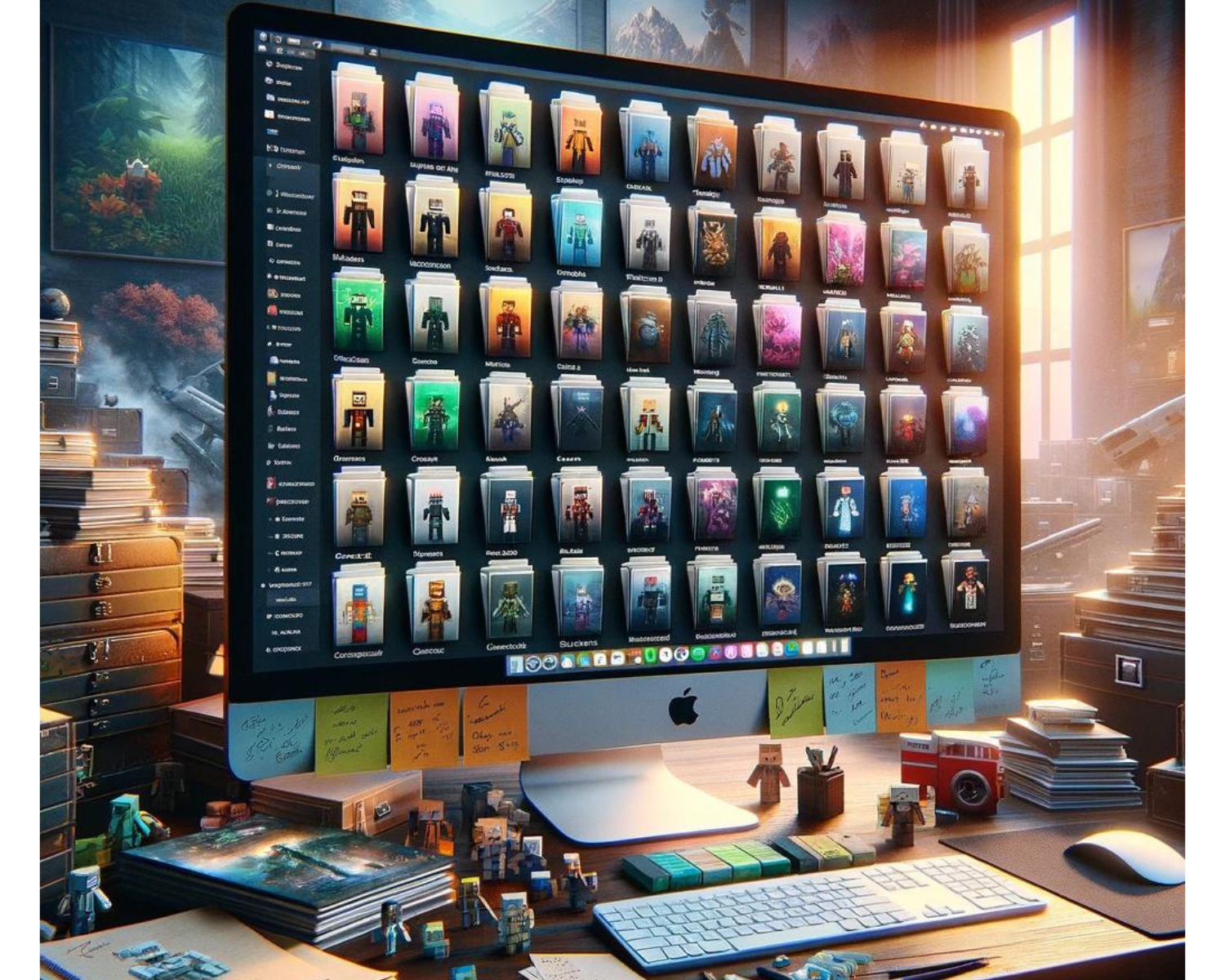
- Upload to Skin Libraries: Websites like Skindex or Planet Minecraft allow you to upload your custom skins for others to view, download, and use. These platforms often feature rating systems, comments, and the ability to follow creators, giving your skin exposure to a wide audience.
- Participate in Skin Contests: Many Skin Library websites and social media groups host contests with specific themes or challenges. Participating in these contests can showcase your skin to a broader audience and hone your skin creation skills.
- Share the Creation Process: Document and share the process of creating your Minecraft skin, from conceptual sketches to pixel-by-pixel editing. This behind-the-scenes look can be shared as a blog post, a video tutorial, or a social media story, offering valuable content that complements the skin itself.
Tips for Effective Showcasing
- Engage with Your Audience: Respond to comments, participate in discussions, and thank others for their feedback. Engagement helps build a community around your creations.
- Use Hashtags: When posting on social media, use relevant hashtags (#MinecraftSkins, #MinecraftCommunity, #GamingArt) to increase the visibility of your posts.
- Be Consistent: Regularly sharing skins or updates can help maintain interest and build anticipation for your next creation.
Conclusion
Showing your Minecraft skin is more than just gaining likes or followers; it’s about sharing your digital identity with the world through in-game builds, social media posts, and community participation. Remember that each pixel tells a story and serves as a canvas for your next masterpiece.