

Harmonizing Pixels: Coordinating Your Minecraft Character with Your Creations
Introduction
Minecraft allows players to personalize their virtual persona through skins, enhancing immersion and storytelling. This blog explores how to coordinate character skins with crafted environments, providing tips for blending characters into meticulously created worlds.
Understanding the Aesthetic Synergy
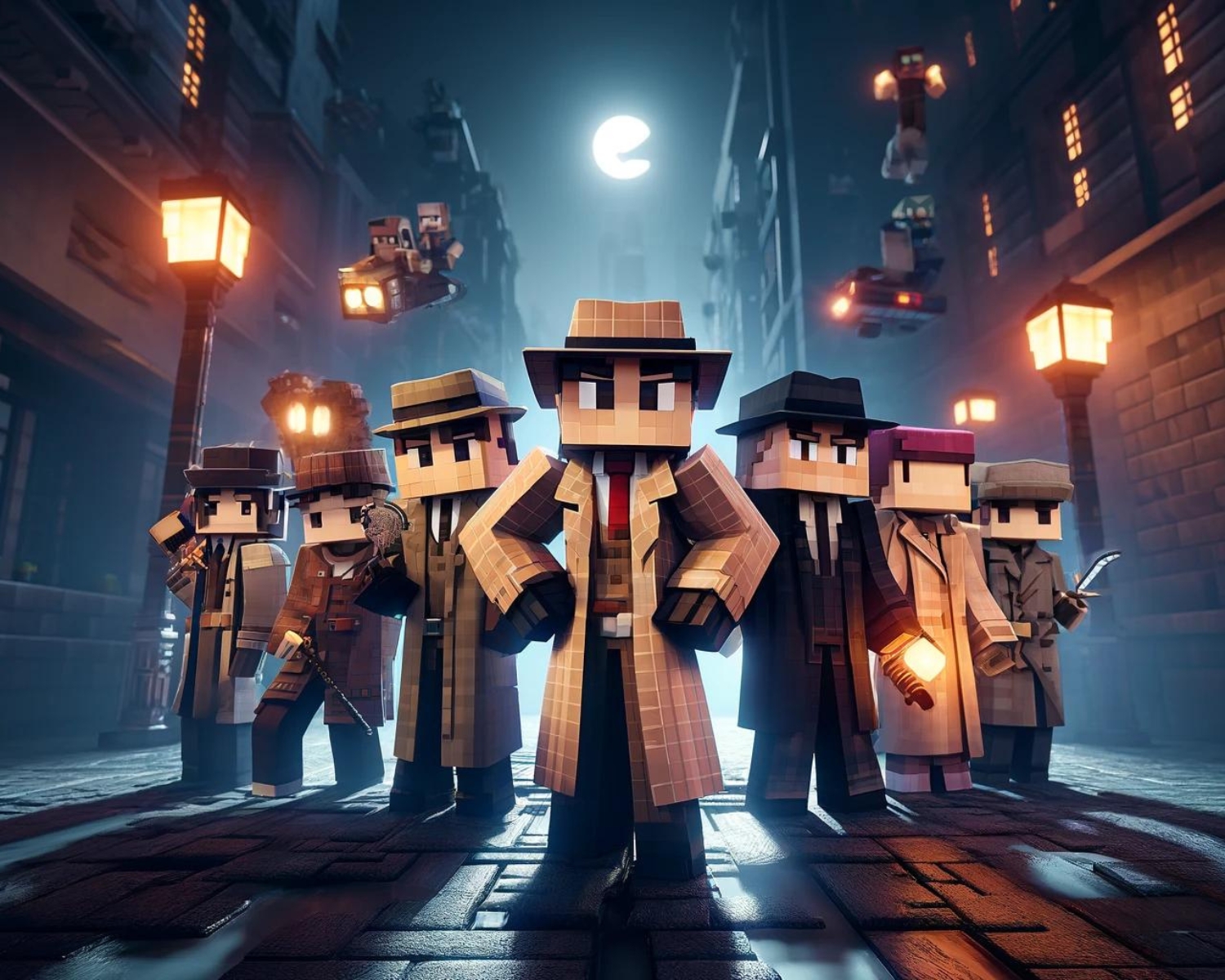
The combination of your character’s appearance and Minecraft builds enhances the immersive experience, reflecting the theme and narrative of your world, whether it’s medieval, outer space, or post-apocalyptic.
Tips for Coordinating Skins and Builds
- Theme Alignment: Define your building’s theme, such as a Japanese garden, pirate harbor, or futuristic city, and choose a skin that reflects this environment, like a samurai or monk skin.
- Color Coordination: Choose a skin that complements your build’s predominant color palette, such as greens and browns, to enhance visual appeal and create a sense of belonging.
- Historical and Cultural Accuracy: Choosing a skin that accurately reflects the attire of a historical or cultural theme can enhance the depth and authenticity of your build.
- Role-playing Elements: Think about the role your character plays within the context of your build. Are they a ruler, a caretaker, or an adventurer? Selecting a skin that fits this role not only enriches the narrative but also deepens your connection to both the character and the build.
- Custom Creations: Sometimes, the perfect skin doesn’t exist yet. In this case, custom skin creation tools come to the rescue. Designing your skin allows for perfect thematic and color alignment with your build, giving you complete control over your character’s appearance.
Implementing Your Coordinated Look
- Seasonal and Event-Based Changes: Adapt your character’s skin to match seasonal changes or special events in your Minecraft world. Switching to a spooky skin during a Halloween-themed build or donning festive attire during a Christmas build adds a dynamic element to your gameplay.
- Community and Multiplayer Considerations: In multiplayer settings or within a community server, coordinating skins among players can enhance the thematic consistency of a collective build project. It fosters a sense of unity and teamwork, making the shared world more immersive and engaging.
- Storytelling Through Skins: Use your skin to tell a story about your character’s journey through your build. Changing skins to reflect character development or major events within your Minecraft saga adds a layer of storytelling, making your gameplay even more compelling.
Conclusion
Your Minecraft skin and builds reflect your identity and creativity, enhancing your Minecraft experience. When paired, they create a cohesive world, inviting others into your unique story, with each block and skin representing a part of your character.