


The Best Minecraft Skins for Romantic Themes
Introduction Minecraft allows players to customize characters with skins, adding romance to their adventures. This blog explores the best Minecraft skins for romantic themes and provides tips on finding them, perfect for Valentine's Day events or special in-game dates. 1. Classic Romeo and Juliet Romeo and Juliet, the timeless tale of Shakespeare, can be incorporated into your game with skins resembling their love story. Romeo's Renaissance-era tunic and trousers and Juliet's flowing dress and braided hair are ideal for historical builds or romantic

The Best Minecraft Skins for Pirates and Treasure Hunters
Introduction Minecraft offers endless adventure possibilities, perfect for pirates and treasure hunters. This blog explores the best Minecraft skins for these characters, helping them find the perfect look for their swashbuckling escapades. Top Pirate and Treasure Hunter Skins in Minecraft 1. Classic Pirate Captain Nothing says "pirate" quite like the classic Pirate Captain skin. This skin usually features a traditional pirate hat, an eye patch, and a fancy coat adorned with gold trim. It's perfect for anyone looking to command a crew or lead
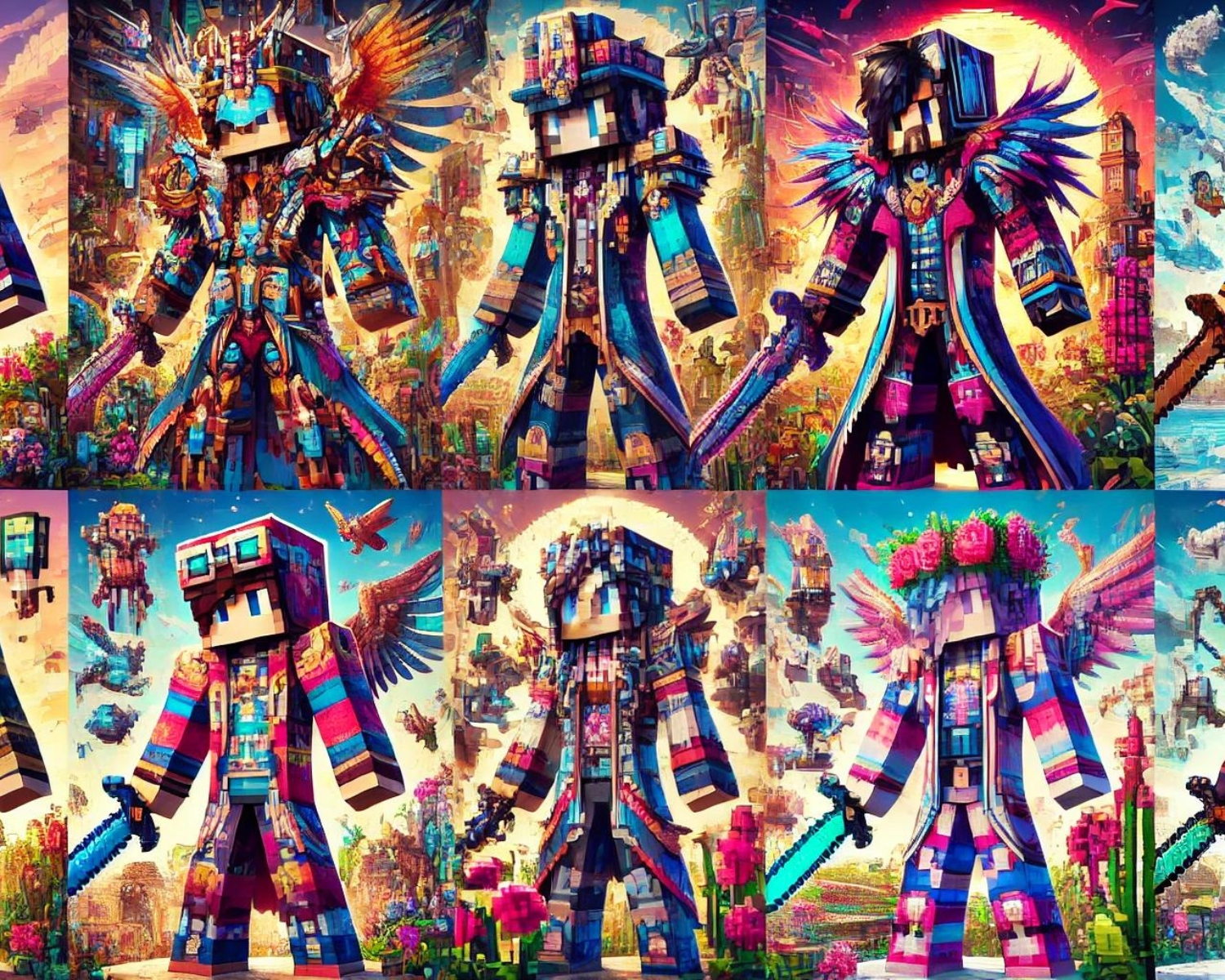
Minecraft Skins: The Best of Pixel Art
Introduction Minecraft is a survival game with unique skins that allow players to express their individuality and artistic flair. This blog explores the best pixel art skins, transforming avatars into stunning digital art. Celebrating Pixel Art in Minecraft Skins Pixel art is a software-generated digital art style that aligns with Minecraft's blocky environment, creating intricate designs that can represent famous characters or original creations, changing colors or outfits. Top Picks for Pixel Art Skins 1. Retro Gaming Icons For fans of classic video games, skins designed
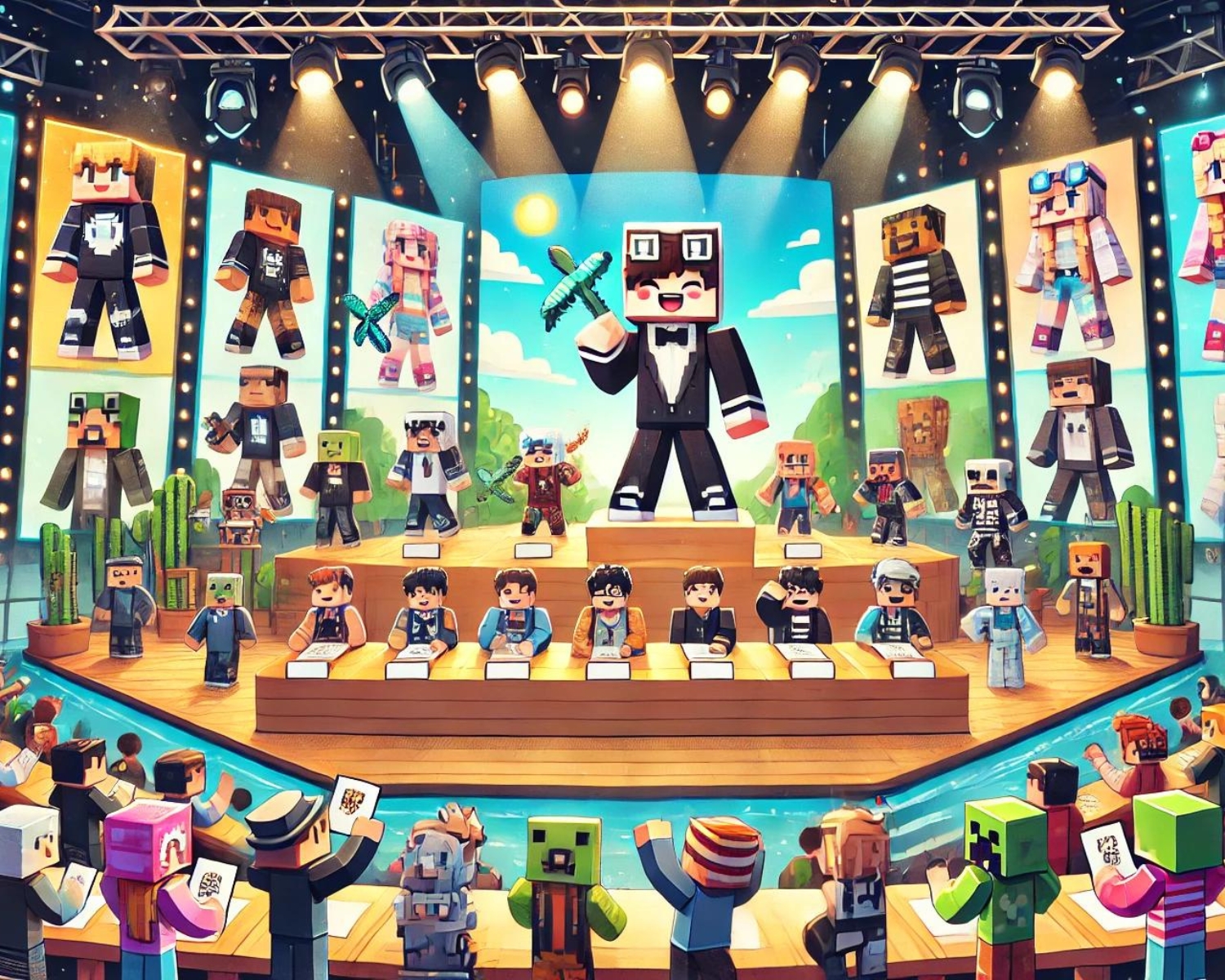
How to Host a Minecraft Skin Design Contest
Introduction Hosting a Minecraft skin design contest engages the Minecraft community, encourages creativity, and fosters teamwork. A step-by-step guide provides instructions on organizing and running a successful contest. Step 1: Define the Purpose and Theme Choose a contest purpose, such as promoting a new server, celebrating a holiday, or encouraging creativity, to guide the theme, inspire participants, and set the design tone. Step 2: Set the Rules Clear rules are crucial for a successful contest. Here are some aspects to consider: Eligibility: Who can enter? Is
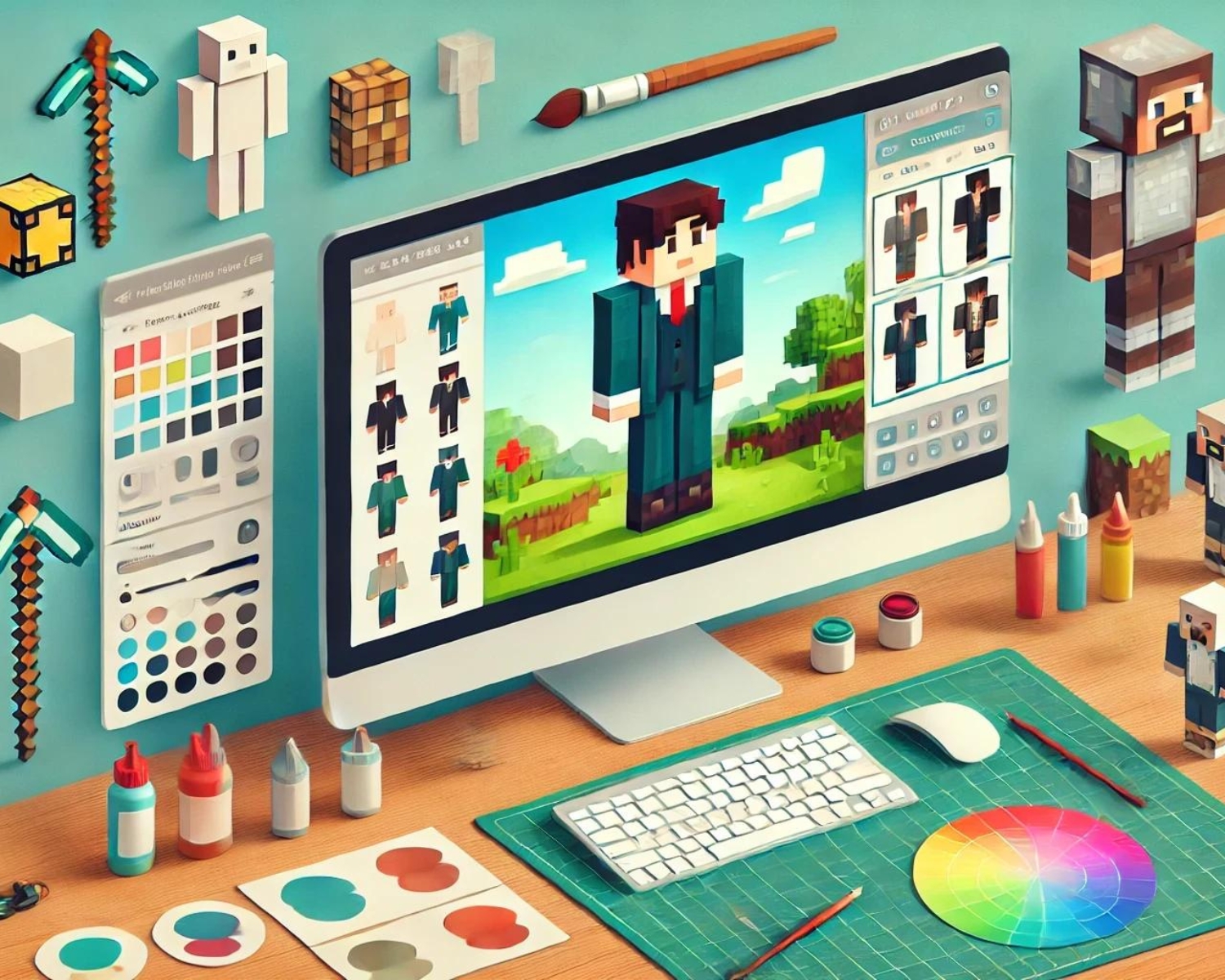
A Beginner’s Guide to Editing Minecraft Skins
Introduction This beginner's guide covers the basics of editing Minecraft skins, from selecting the right tools to uploading the final design, allowing players to personalize their gameplay experience. Tools You Will Need 1. Skin Editor: Numerous online skin editors provide user-friendly interfaces for beginners. Minecraft skin is a popular choice because it offers pre-designed templates and intuitive design features. 2. Image Editing Software: For more detailed editing, you might prefer using an image editor like Photoshop or GIMP. These programs offer more advanced features