
Embarking on a Personalized Adventure: Tips for New Players on Getting Your First Minecraft Skin
Introduction
Minecraft is a world where imagination is limitless, and choosing a skin for your character is a crucial step in personalizing the game. This blog will guide new players through the process, ensuring a smooth and enjoyable experience with skin customization.
Understanding Minecraft Skins
Minecraft skins are PNG images that transform a character model into a unique design, allowing players to stand out in the Minecraft universe.
Where to Find Your First Skin
- Official Minecraft Marketplace: For Bedrock Edition players, the official marketplace offers a plethora of skins, some free and others for purchase, all guaranteed to be of high quality and compatible with the game.
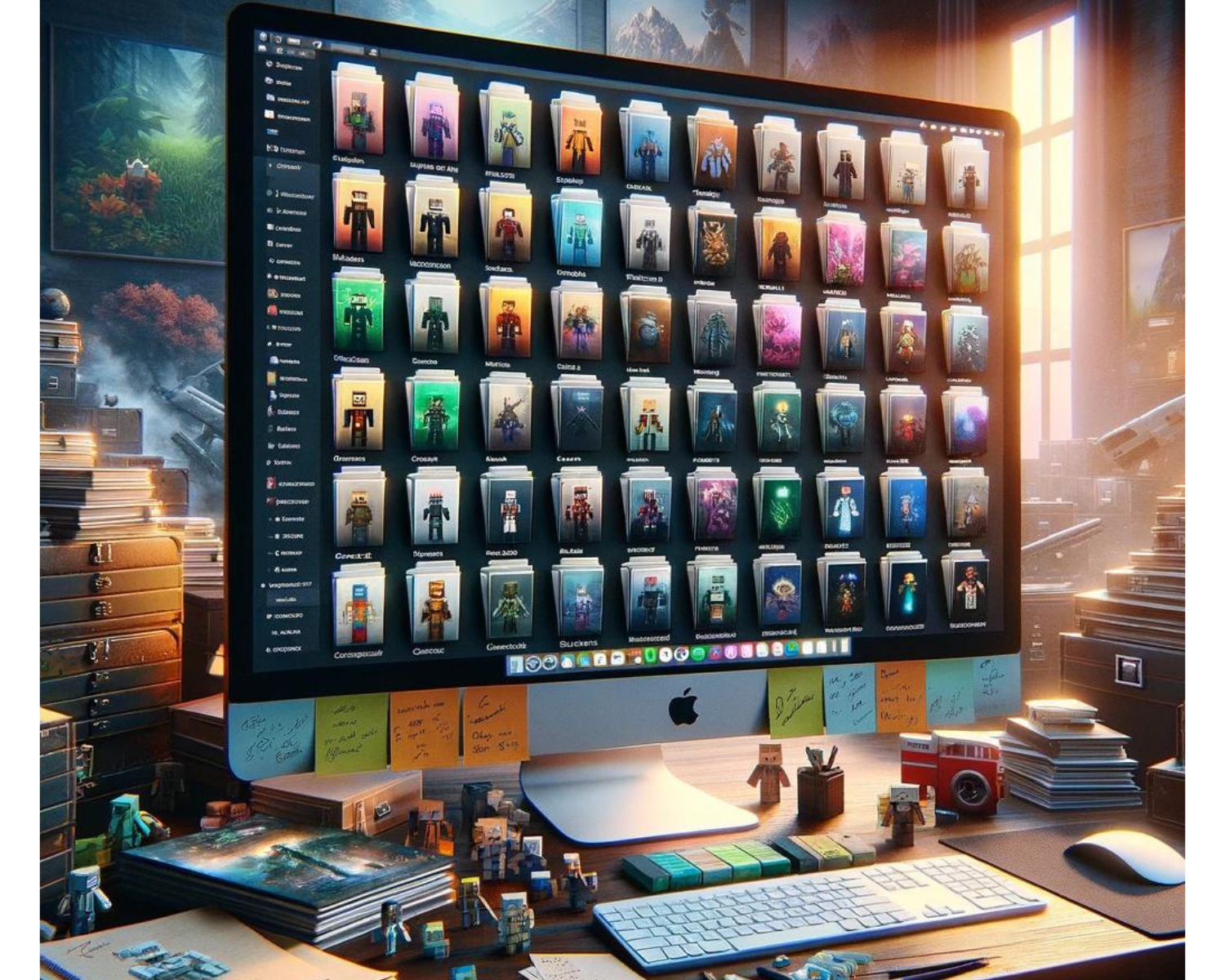
- Online Skin Libraries: Websites like Skindex or MinecraftSkins offer vast collections of user-created skins. The game’s community has produced nearly every kind of design you can think of here.
- Custom Creation Tools: Feeling creative? Tools available on many skin library websites allow you to design your skin from scratch or edit existing ones to add a personal touch.
Choosing Your First Skin
Consider Your Interests: Reflect on what you love. Are you a fan of a particular movie, book, or video game? Chances are, there’s a skin for that.
Think About Visibility: Some players prefer skins that blend into the game’s environment, while others opt for bright and bold designs to stand out. Consider what matches your play style.
Community and Events: Participating in server events or joining a Minecraft community? Choosing a skin relevant to these groups or events can be a fun way to engage.
How to Apply Your New Skin
- For Java Edition:
- Download your chosen skin as a PNG file.
- Visit the official Minecraft website, log into your account, and navigate to the “Profile” page.
- Click on the “Skin” tab, choose the model type that matches your skin’s design (Classic or Slim), and upload the file.
- Launch the game to see your character in its new skin!
- For Bedrock Edition:
- Open Minecraft and select the coat hanger icon from the main menu.
- Choose the blank character model and select “Edit Character” on the right.
- Navigate to “Owned Skins” and then “Import,” where you can choose the PNG file you’ve downloaded.
- Your character will update automatically with the new skin.
Tips for Your First Skin Adventure
- Stay Safe: Download skins from reputable sources to avoid malicious software.
- Experiment: Don’t be afraid to change your skin regularly. Minecraft is a game of exploration, and that includes your character’s appearance.
- Community Feedback: Share your custom skins or get opinions on skins from the Minecraft community through forums or social media groups.
Final Thoughts
Your first Minecraft skin is a crucial step in personalizing your gameplay experience, allowing you to choose a skin that aligns with your personality, community, or interests, ensuring a unique and enjoyable gaming experience.